Akira Hayashi (林 晃)– Author –

-

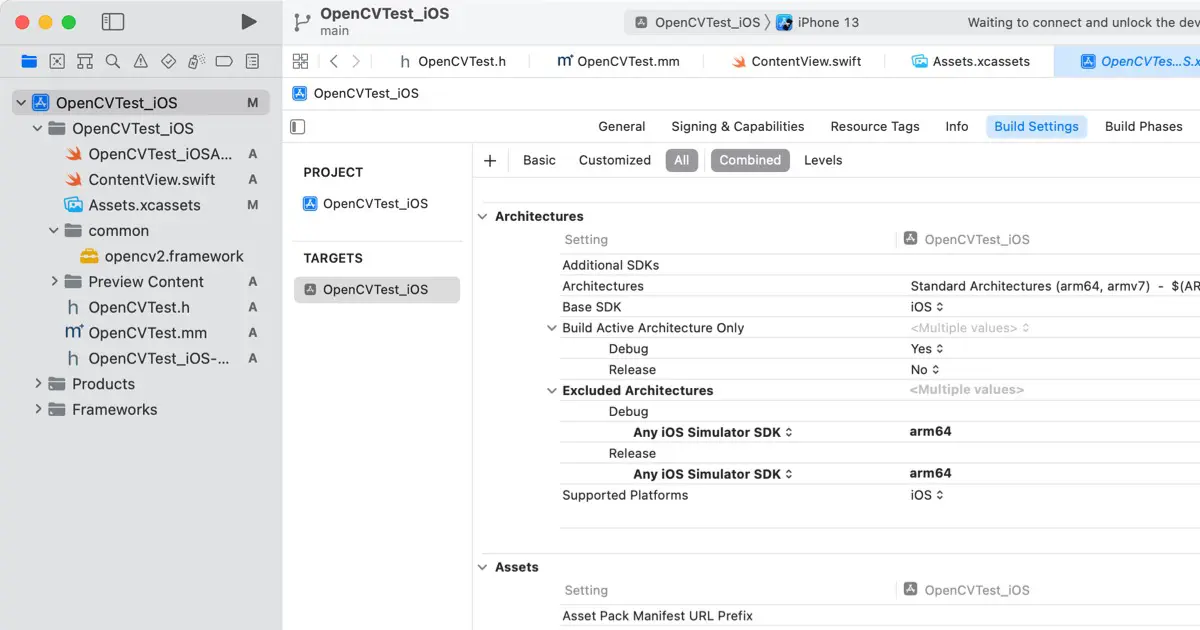
Apple Silicon MacでiOSシミュレータを実行できないときの対応方法(arm64バイナリのエラー)
Apple Silicon Macで組み込んだフレームワークによっては、次のようなエラーが起きてiOSシミュレーターが実行できなくなることがあります。 ld: in /Volumes/Data/src/RK/TechGakuWebSite/SampleCodes/OpenCVTest_iOS/common/opencv2.framework/opencv2(io... -
Terminate the app when the window is closed | How to create macOS Apps
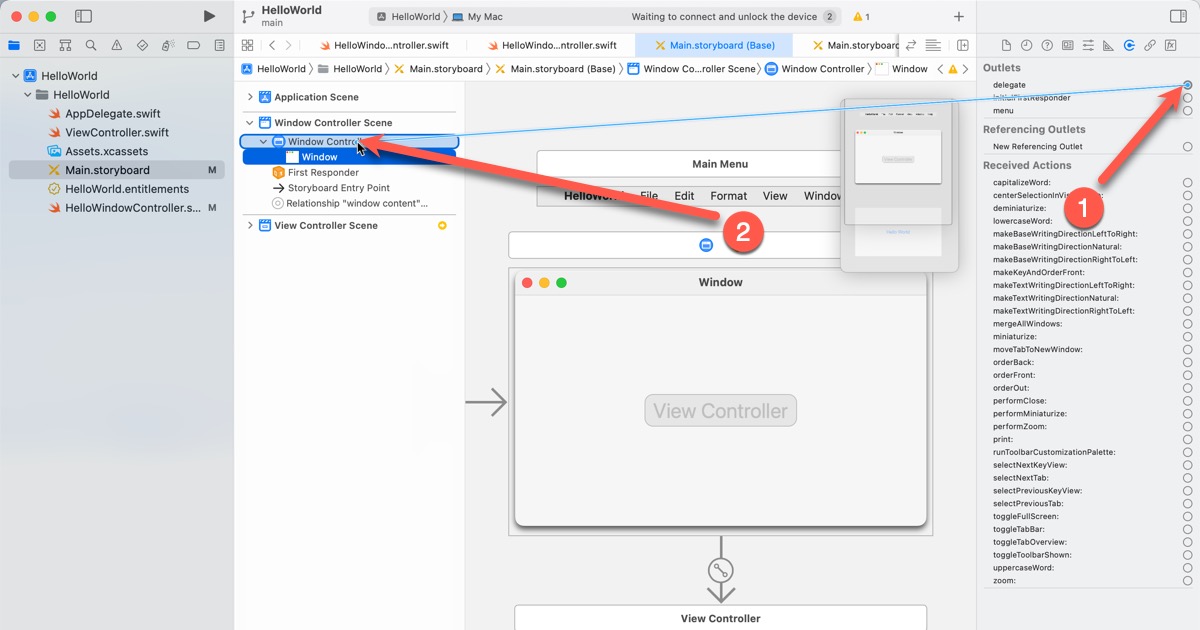
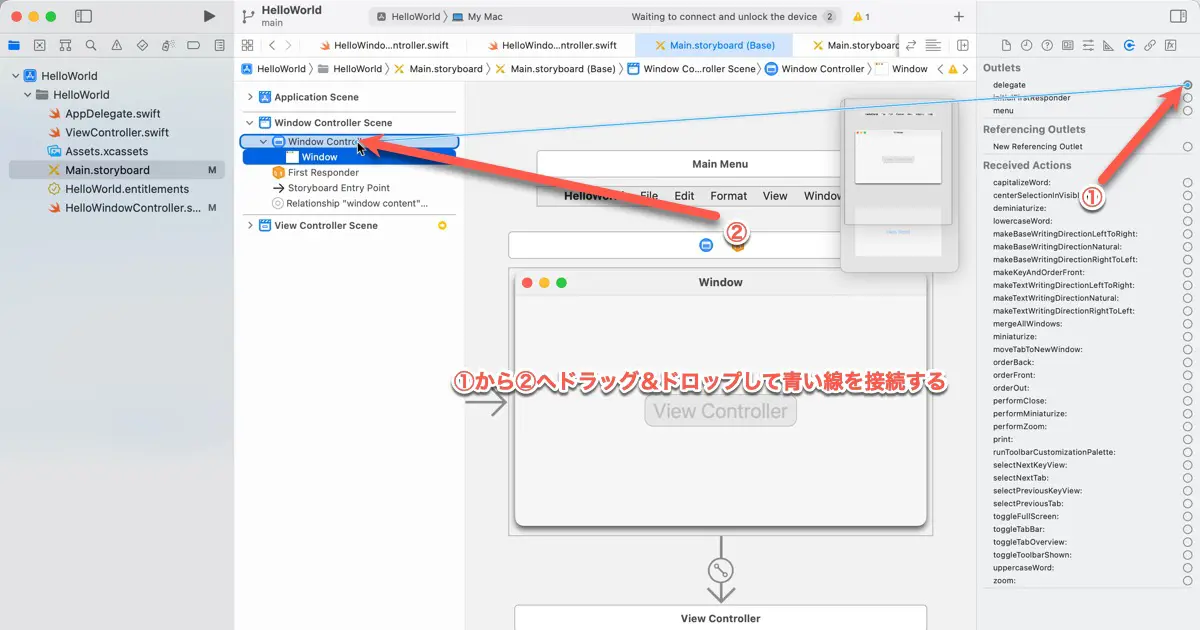
This article explains how to terminate the app when the window is closed. We add the code to the Cocoa Hello World which was created in the previous article. You can download it from the following article. About the delegate AppKit uses ... -
ウインドウを閉じたときに終了させる | macOSアプリの作り方
Cocoa版Hello World作成の続きです。今回はウインドウを閉じたときにアプリを終了させる処理を追加します。 この記事では前回の記事で作成したCocoa版Hello Worldの続きから行います。前回の記事に沿って作成している場合はそれを使用してください。作成さ... -
Set the size and the location of the window in the AppKit apps | How To Create macOS Apps
This article is part of a series of articles that create the Cocoa Hello World. This article explains how to set the minimum and maximum sizes of the window. It also adds the code to center the window to HelloWindowControllerclass. This ... -
AppKitアプリのウインドウの大きさと位置を制御する | macOSアプリの作り方
Cocoa版Hello World作成の続きです。今回は、ウインドウの最小サイズと最大サイズを設定します。また、ウインドウをスクリーンの中央に配置する処理を、HelloWindowContorllerクラスに追加します。 この記事では前回作成したサンプルコードを使用します。... -
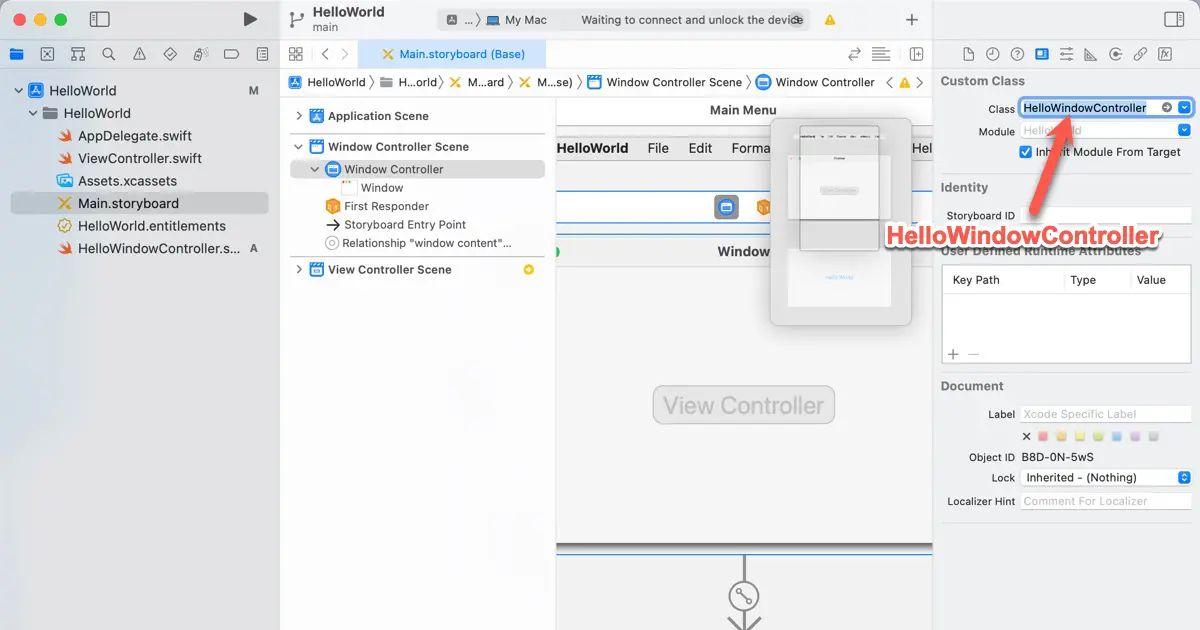
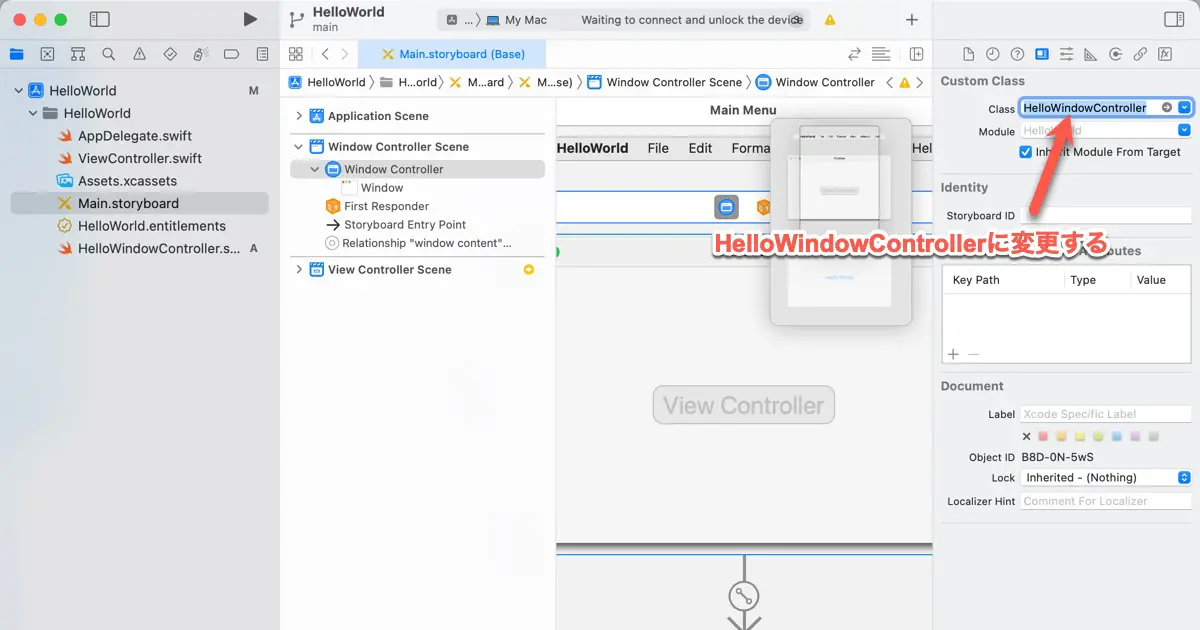
Add a window controller class of the Cocoa Hello World | How To Create macOS Apps
This is a series of articles explaining how to create a Cocoa version of Hello World. In this article, we create a window class and make it a window controller of the Hello World window. This article utilizes the sample code created in t... -
Hello Worldのウインドウコントローラクラスを追加する | macOSアプリの作り方
前回のCocoa版Hello World作成の続きです。今回はウインドウコントローラクラスを追加して、Cocoa版Hello Worldで表示されるウインドウのウインドウコントローラを変更する方法について解説します。 この記事では前回の記事で作成したCocoa版Hello Worldの... -
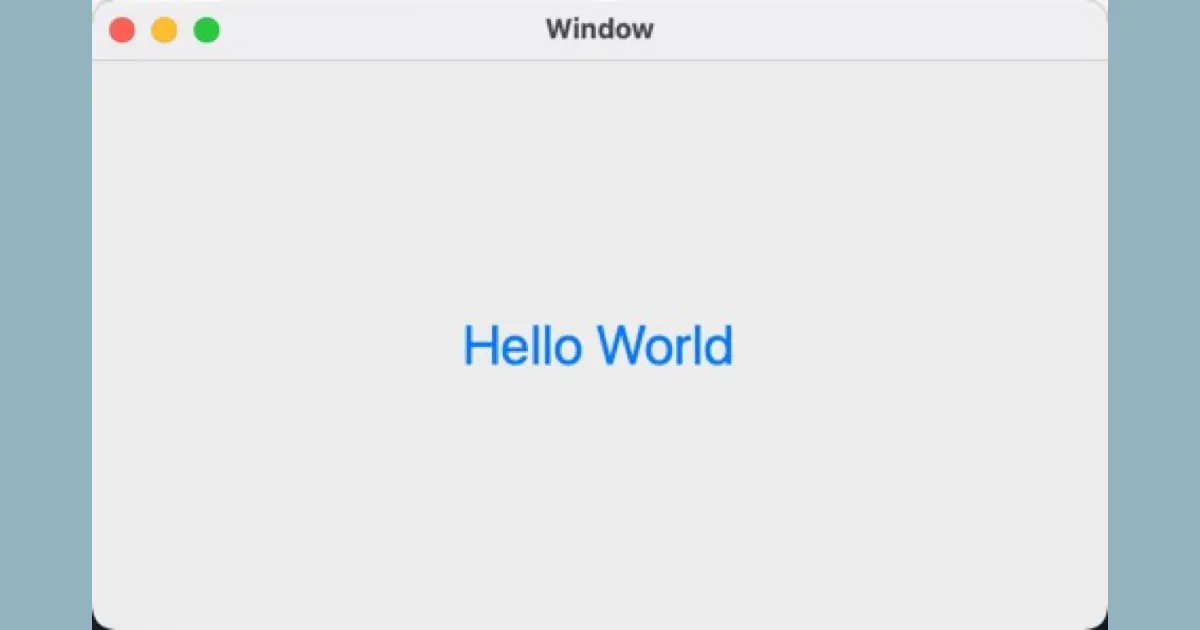
Create Cocoa Hello World | How To Create macOS Apps
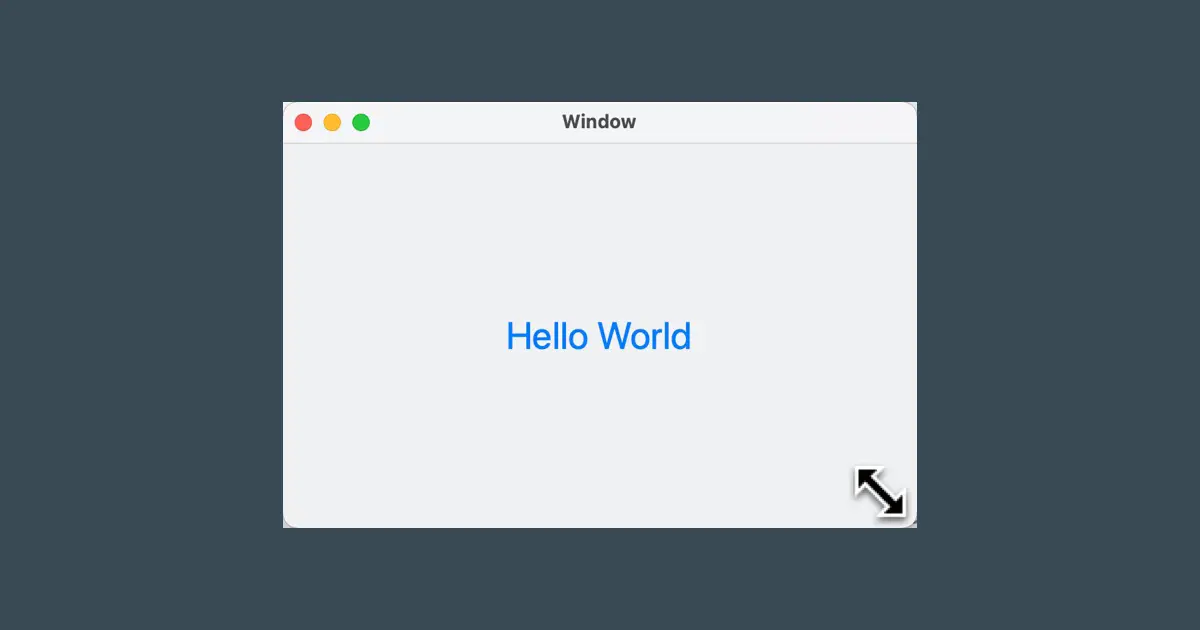
This series of articles explains how to create a Cocoa version of Hello World. This time, we will create Hello World with zero coding, just editing the storyboard. In this article, we use Xcode. If you have not installed Xcode, please se... -
Cocoa版Hello Worldを作る | macOSアプリの作り方
はじめてのmacOSアプリとして、Cocoa版のHello Worldの作り方を解説します。今回はコーディングゼロで、Storyboardの編集だけでHello Worldを作ります。 この記事ではXcodeを使用します。Xcodeをインストールしていない場合は次の記事を参考に、Xcodeをセ... -
Setup Xcode
We use Xcode to develop applications for the App Platform. This article provides an introduction to getting started with development. Register to the Apple Developer Program If you aim to develop an app, access documentation and sample c... -
Xcodeをセットアップする
Apple Platformのアプリ開発にはXcodeを使用します。この記事では、まず始めるために必要な準備を紹介します。 Apple Developer Programへの登録について アプリの開発とドキュメントやサンプルコードの入手、自己所有のデバイス上での開発したアプリの実... -
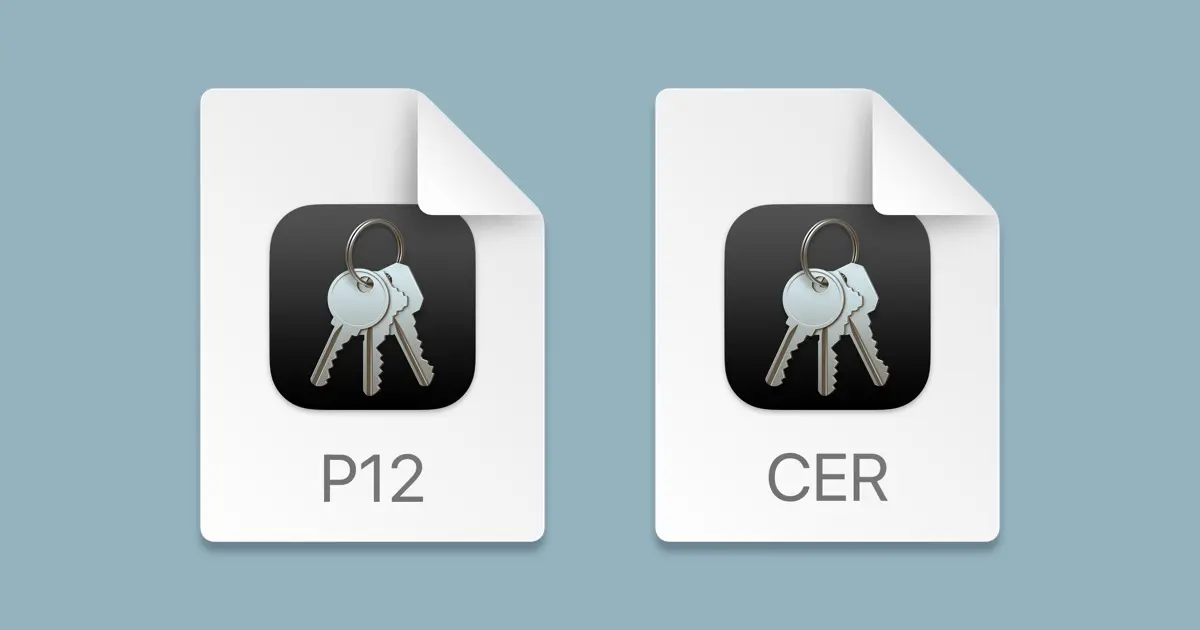
How to export digital certificates on Mac
Mac utilizes Keychain Access for managing installed digital certificates. In addition, Keychain Access manages digital certificates and the following information. Accounts (ID and Password) Secret Memos Degital certificates Public keys P... -
Macで電子証明書を書き出す方法
Macでは、インストールされた電子証明書はキーチェーンアクセスによって管理されています。キーチェーンアクセスは電子証明書だけではなく、以下の様な情報を管理しています。 アカウント情報(IDとパスワード) 秘密のメモ 電子証明書 公開鍵 秘密鍵 この... -
テックブログについて
テックブログですが、本サイトに再統合することになりました。 ここのところ、こちらのブログの更新が少ないのですが、理由はテックブログに力を入れています。 以前、別ブログとして立ち上げた「現役のプログラマーが書く プログラミング情報」というブ... -
Configure the code signing setting of the Xcode project with the configuration settings file
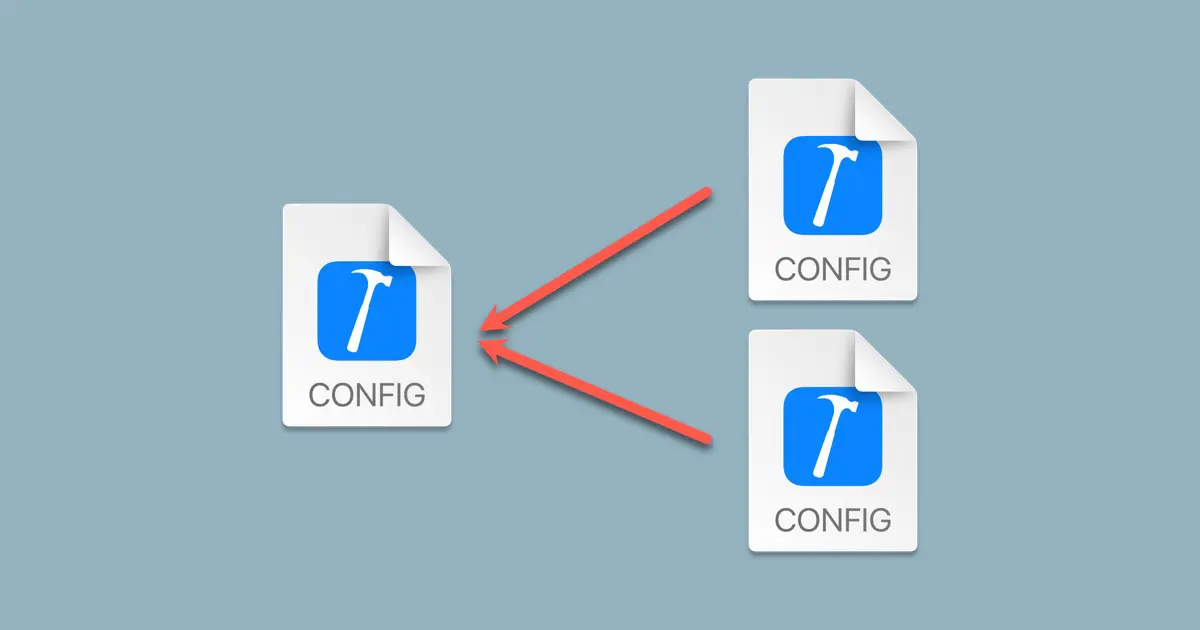
When developing an iOS app that you plan to distribute as open source or sample code, you might prefer not to embed code signing settings directly into the project file. However, while working locally, you must set the code signing setti... -
ビルド設定ファイルを使ってXcodeのコードサイニングを設定する
iOSアプリのプロジェクトファイルを、オープンソースやサンプルコードなどとして配布する予定のときには、コードサイニングの設定をプロジェクトファイルに設定したくないことがあります。しかし、ローカルで作業中はコードサイニングの設定を行わないと、... -
Archive only changed files from the Git repository
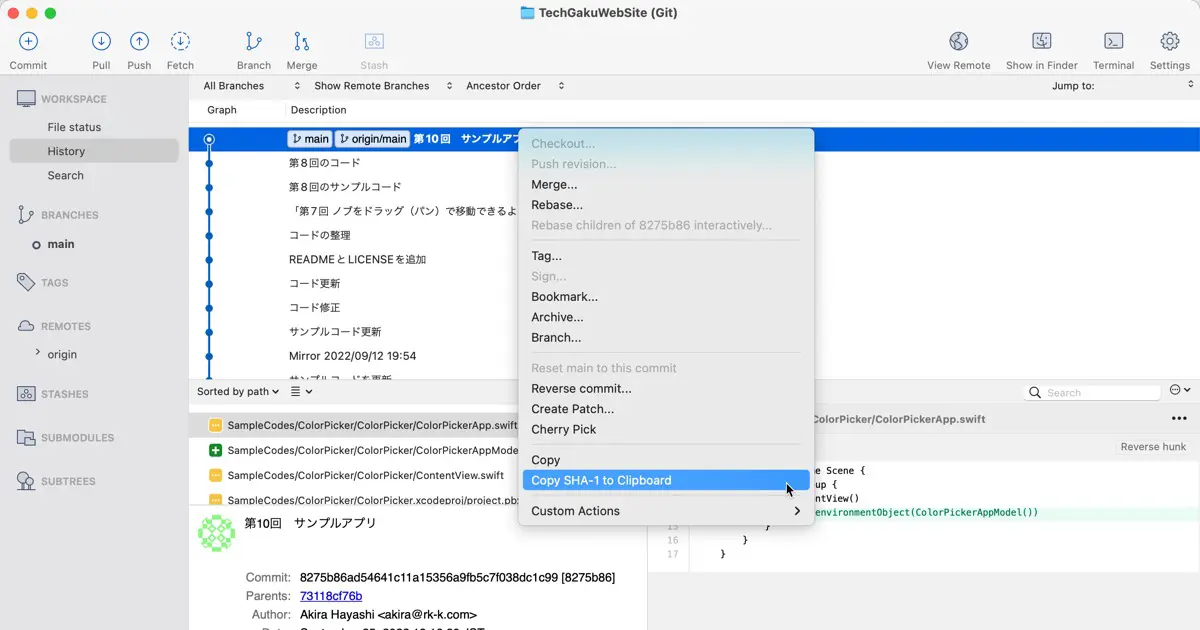
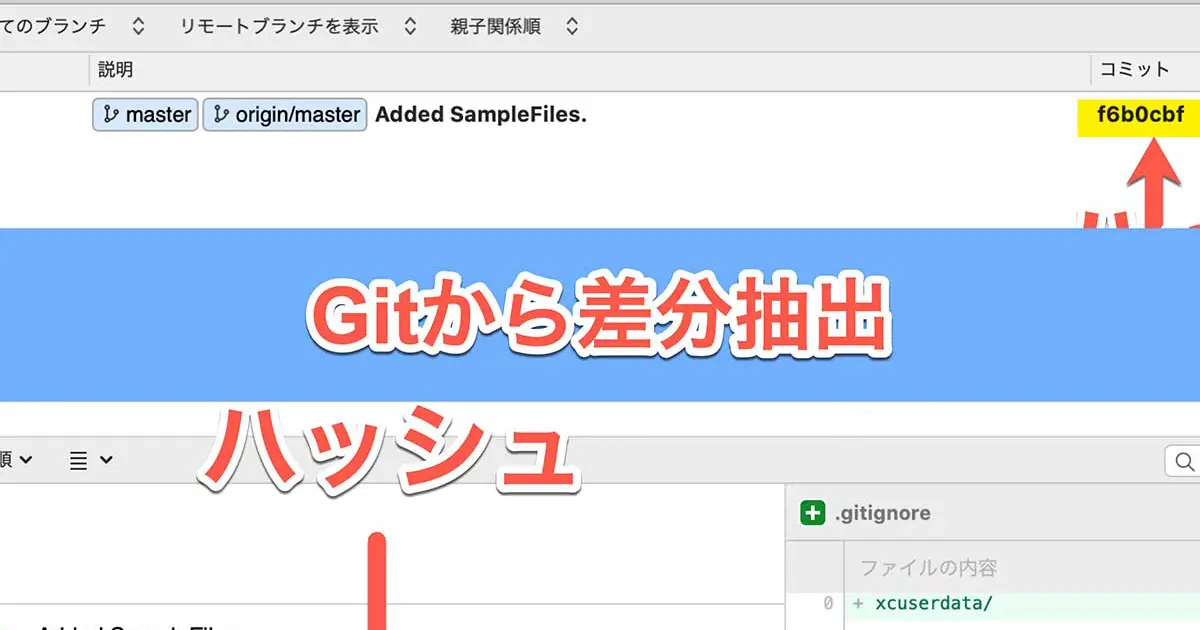
Git is a version control system that manages the changed history of files. Thanks to this feature, anyone who cloned the same repository can merge changes made by other users. What to do when sending the only changes files to others? Sup... -
Gitから変更されたファイルだけ取り出す方法
Gitはファイルの履歴を管理しています。この機能のおかげで同じリポジトリを参照する人は、別の人が行った変更を取り込むことができます。 変更内容を別の人に渡したいときに、リポジトリに直接アクセスできる人はGitの機能を使ってもらえば良いのですが、... -
Change the search path in the Xcode project with the configuration settings file
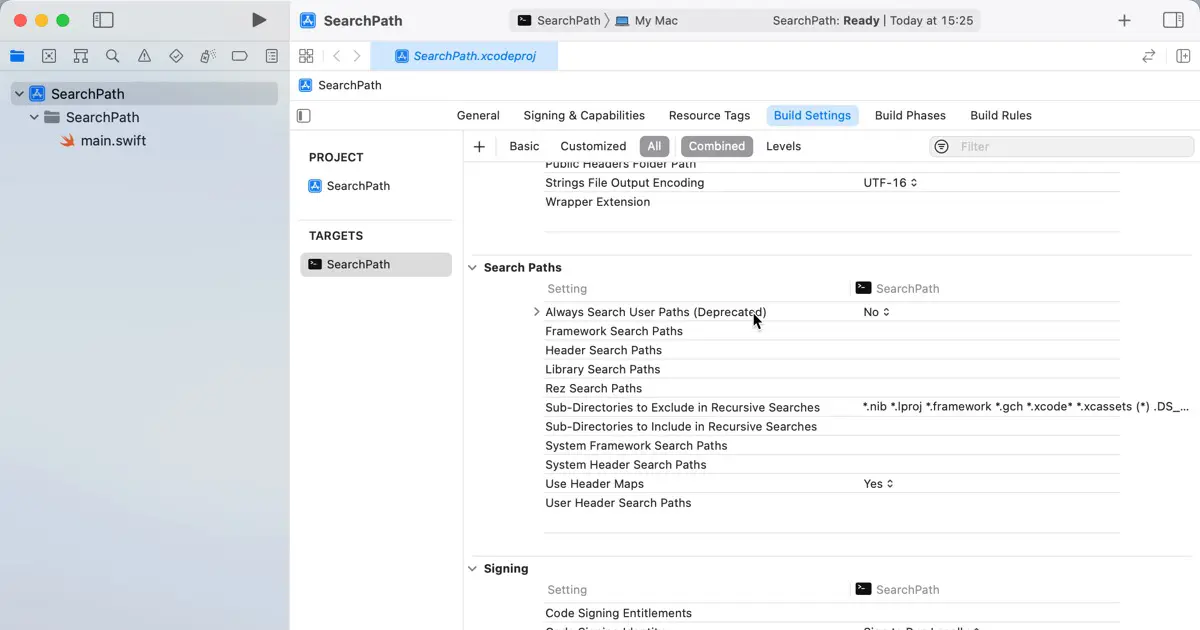
Depending on your application requirements, you might require an SDK or software beyond your control. Although the SDK's installation path tends to be consistent, it could vary based on the machine or the developer's preferences. In such... -
ビルド設定ファイルでXcodeの検索パスを変更する
開発しているアプリによっては、自身で管理していないSDKなどの使用が必要となることがあります。SDKのインストールパスは大体同じ場合が多いと思いますが、任意の場所にインストール可能な場合、マシンや開発者によってインストール先が異なる場合もあり...