Akira Hayashi (林 晃)– Author –

-

I am interested in developing a Swift version of MultiTextConverter
I developed and released a macOS application called MultiTextConverter as freeware. Its main functions are the conversion of text encoding of text files and the conversion of line feed characters. It is available on the RK Kaihatsu websi... -
MultiTextConverterのSwift版の開発に興味が湧く
筆者が以前、開発して、フリーウェアとして公開しているMultiTextConverterというmacOSアプリがあります。主要な機能はテキストファイルのテキストエンコーディングの変換と改行文字の変換です。 アールケー開発のWebサイトで公開しています。 最初のバー... -
How to resolve xcpretty locale error launched from GitLab CI
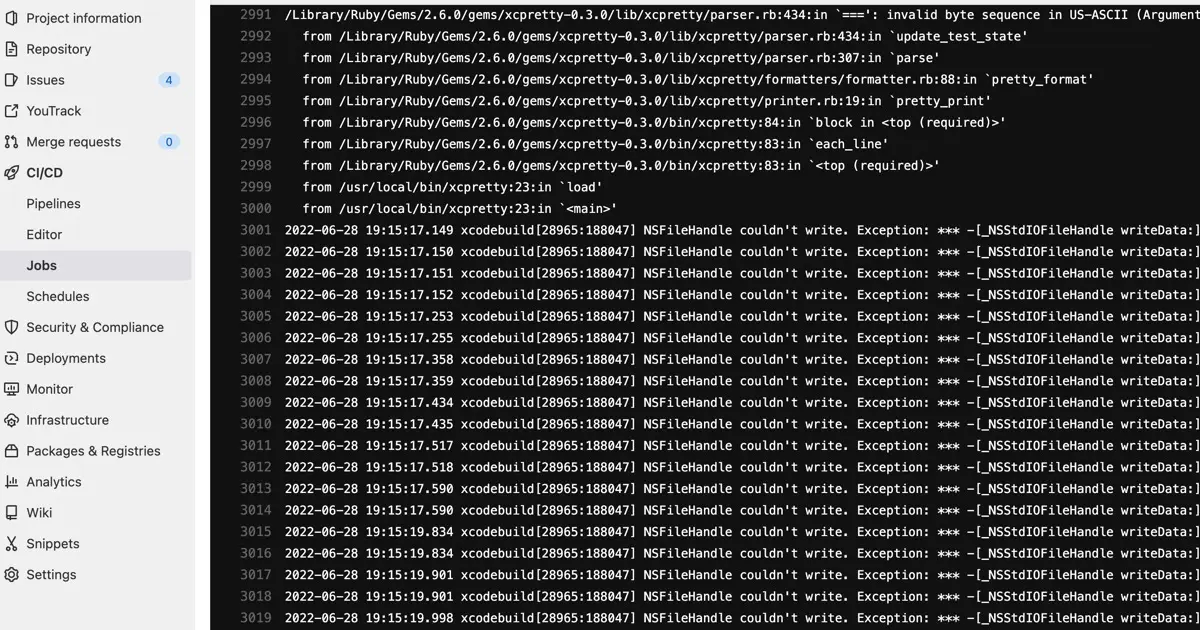
When executing XCTest through GitLab CI, you may encounter the following error. /Library/Ruby/Gems/2.6.0/gems/xcpretty-0.3.0/lib/xcpretty/parser.rb:434:in `===': invalid byte sequence in US-ASCII (ArgumentError) from /Library/Ruby/Ge... -
GitLab CIとxcprettyのロケールエラー解消の手順
GitLabのCIによるXCTest実行中に、特定のエラーによりジョブが失敗する事象が確認されています。 /Library/Ruby/Gems/2.6.0/gems/xcpretty-0.3.0/lib/xcpretty/parser.rb:434:in `===': invalid byte sequence in US-ASCII (ArgumentError) from /Libr... -
Specify the XCTest test environment in which GitLab CI will run
When conducting XCTest testing using GitLab CI, you must define the test environment. If the machine running Runner on the macOS app is an Apple Silicon machine, do we run it natively, or do we run the Intel binary with Rosetta2? If you ... -
GitLab CIが実行するXCTestのテスト環境を指定する
GitLabのCIにXCTestを利用した、テストを設定する際、テスト環境を明示的に指定する必要があります。 テスト対象がmacOSアプリで、Runnerを実行しているマシンがApple Silicon Macである場合には、2つの選択肢があります。ネイティブで実行するのか、それ... -
Create PDF from Markdown using Marked2
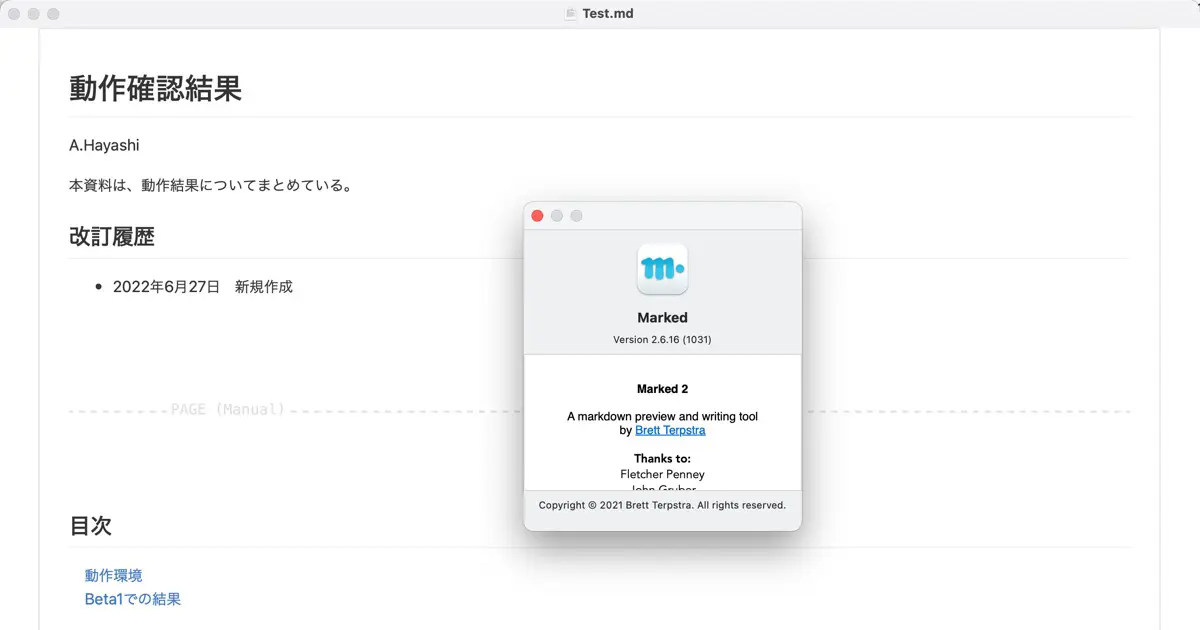
Documents maintained in Git are easier to manage and update when written in Markdown, as opposed to Word or Excel. However, even though Markdown is suitable for viewing from GitLab and other sites that render Markdown, it's often more vi... -
Marked2を使ってMarkdownからPDFを作る
Gitで管理するドキュメントは、WordやExcelよりもMarkdownで書くことで保守性が高まり、更新作業も容易になります。 しかし、Markdownで作成したドキュメントは、GitLabなどのMarkdownをレンダリングしてくれるサイトでは適切に表示されますが、外部配布向... -
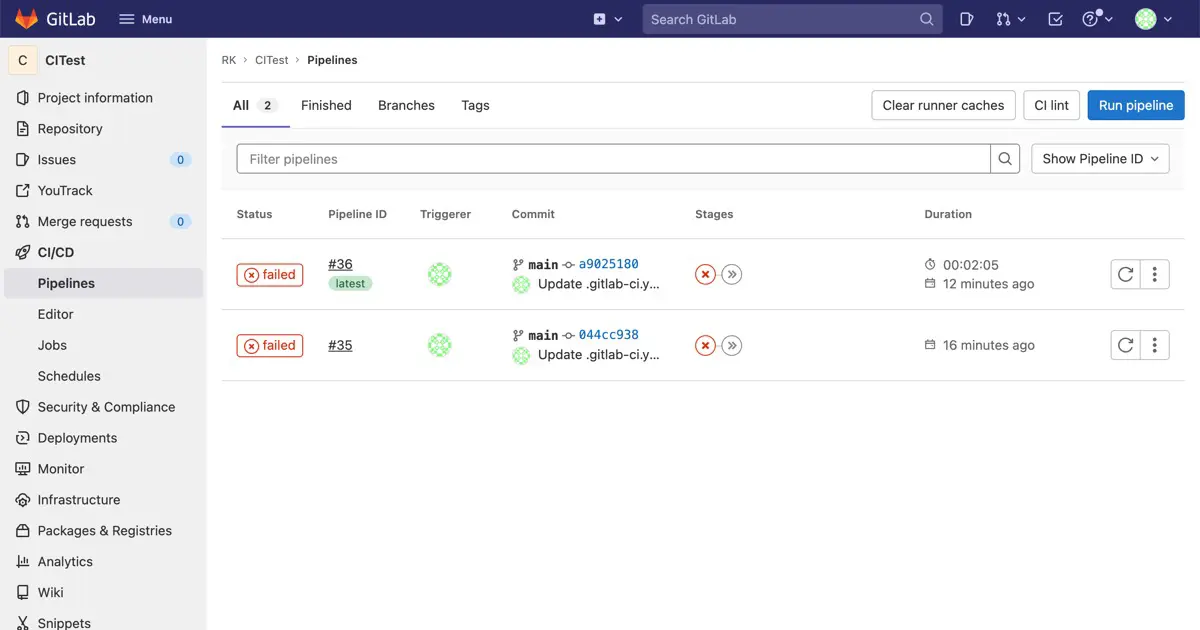
Automate XCTest with GitLab’s CI
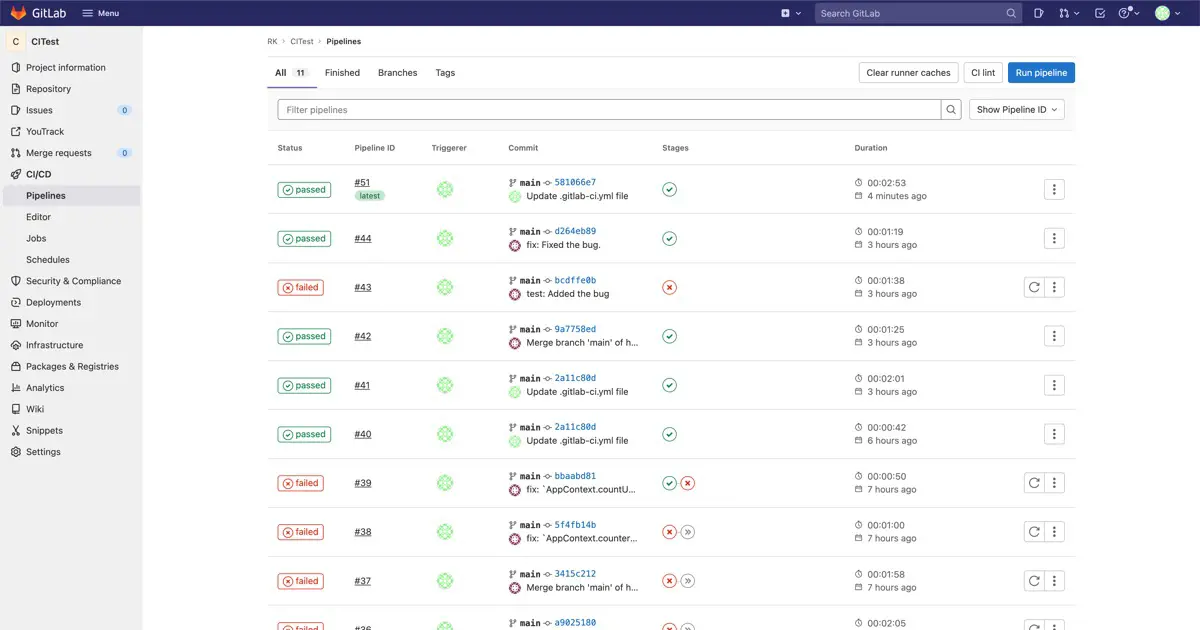
GitLab has a Continuous Integration (CI) feature that allows you to perform continuous integration without deploying a separate solution dedicated to CI. Therefore, whenever I push my code to GitLab, XCTest is triggered to run unit tests... -
GitLab CIを活用したXCTestの自動化方法
GitLabにはCI(Continuous Integration: 継続的インテグレーション)機能があります。GitLabのCIを使えば、CI専用の別ソリューションを導入せずに、継続的インテグレーションを行えます。 この記事では、コードをGitLabにプッシュした際に、XCTestを起動し... -
[2026/03/26 更新] Xcodeが対応しているSwiftのバージョン
アプリの動作環境や、対応OSバージョンに制限があるライブラリ(フレームワーク)等の要件から、時には古いバージョンのXcodeを使用せざるを得ない状況も生じます。 そうした旧バージョンのXcodeを利用する際、どのSwiftの言語バージョンに対応しているの... -
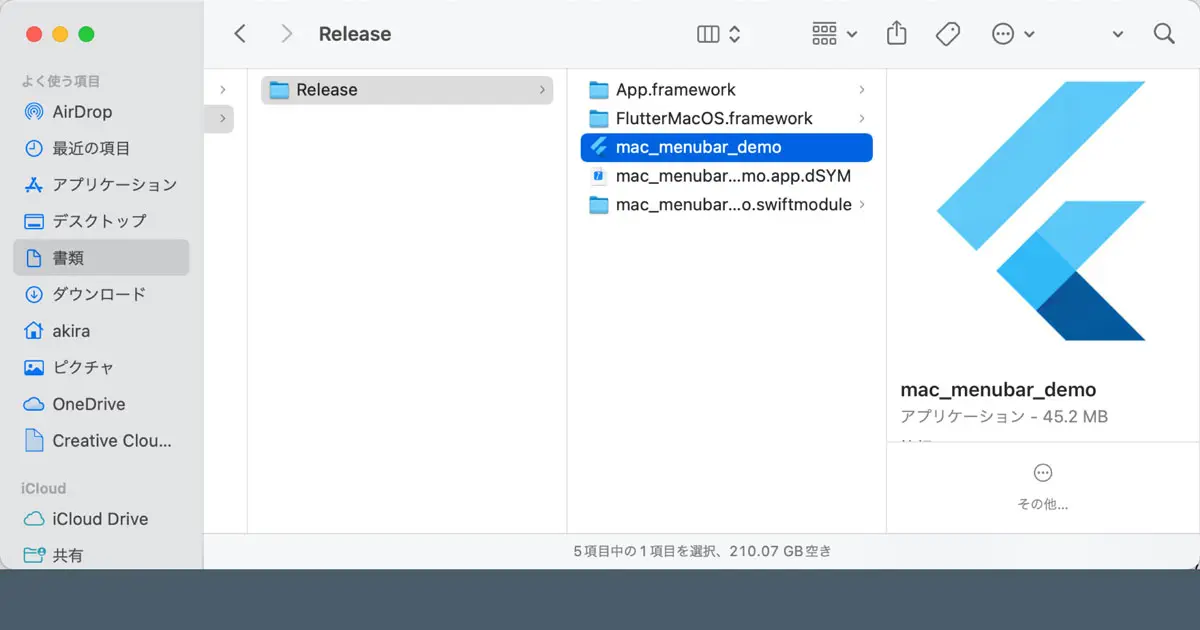
Build the Flutter macOS apps
We can now create desktop apps with Flutter. This article covers the key points of my interest and demonstrates how to build them. Register to the App Store Connect You need to register your app to the App Store Connect to release it in ... -
FlutterでMacアプリをビルドする
Flutterでデスクトップアプリが作れるようになった点について、気になるポイントをいくつか確認しました。この記事ではビルド方法についてです。 App Store Connectへの登録 AppStoreで配布する場合は、App Store Connectでアプリの登録などを行います。Ap... -
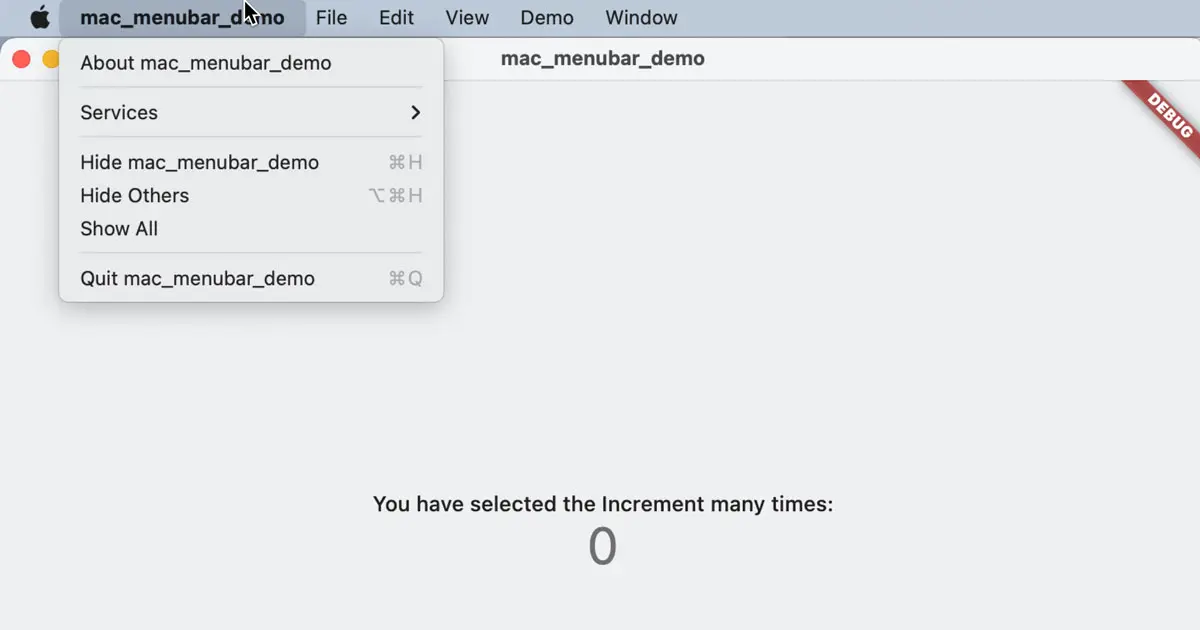
Create the Native Menu Bar of Mac Apps with Flutter
Flutter officially supports creating the native menu bar for macOS desktop apps since version 3.0. We wanted to explore whether we could implement Mac-specific features with Flutter. The native menu bar is one of the Mac-specific feature... -
FlutterでMacアプリのメニューバーを作る
Flutterバージョン3.0から、Macのデスクトップアプリケーションが正式にサポートされるようになりました。 私自身、Macアプリケーションの開発者として、Mac特有の機能が実装できるかに興味を持ちました。Macらしい機能の最たるものの1つがメニューバーだ... -
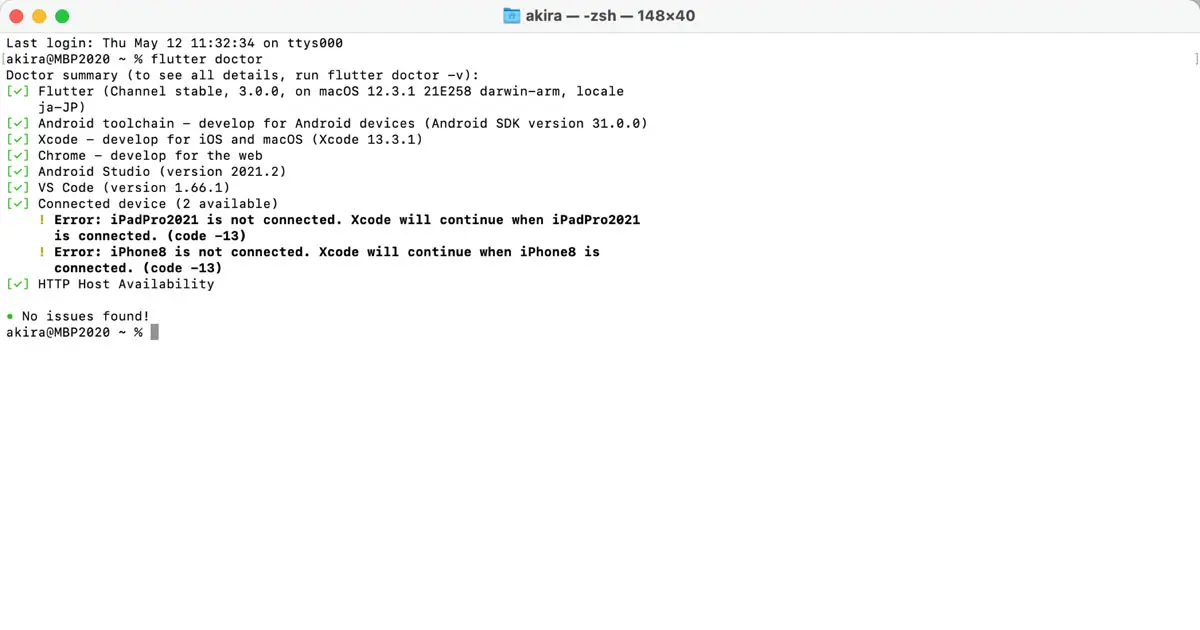
Upgrade to the Flutter 3.0
The Flutter 3.0 was released on May 2022. In this version, it supports macOS Native Desktop app development officially. I am a Mac App Developer, so I am interested in it. So, first, I upgraded the installed Flutter on my Mac. Check the ... -
Flutter 3.0へのアップグレード
macOSのデスクトップアプリの開発が正式に対応されたFlutter 3.0がリリースされました。私自身、Macアプリの開発者として、このニュースは大変興味深いものでした。私の環境にインストールされていたFlutterをアップグレードしてみました。この記事は、こ... -
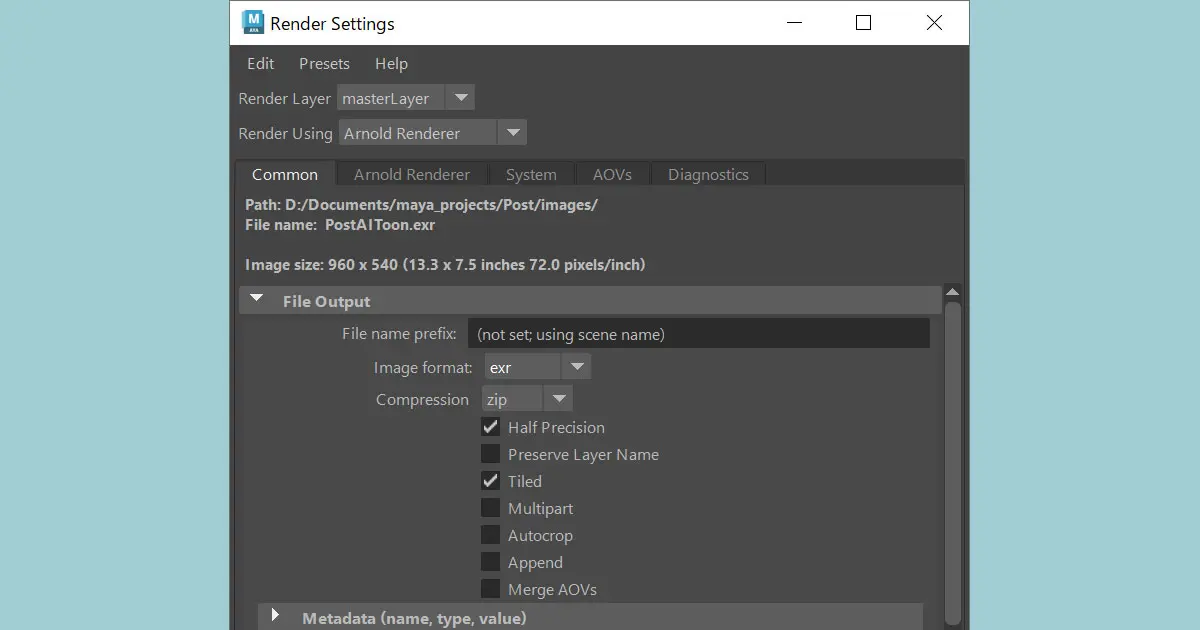
Arnold Rendering Configurations
This article is a memo about the Arnold rendering configurations that should be changed from the default, temporarily changed, and reverted after rendering. Threads Configuration You can change the number of threads to improve the viewpo... -
Arnoldのレンダリング設定
Arnoldのレンダリング設定について、デフォルト設定から変更が望ましいと考えられる項目や、一時的に他の値に変更したあとで通常は元の値に戻すべきと思われる設定についてのメモです。 スレッドの設定 Arnoldでレンダリングしている際のビューポートの操... -
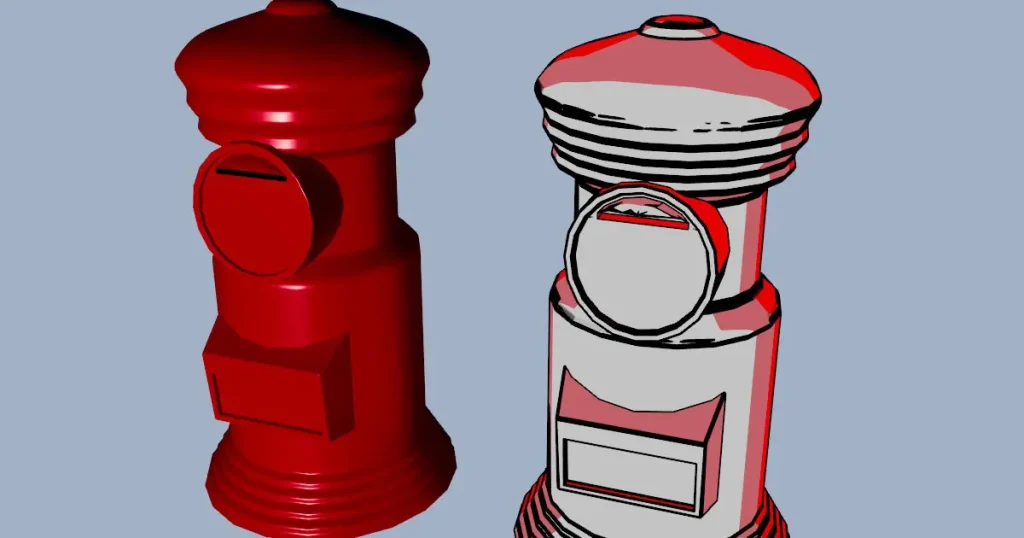
Rendering Cartoon-like Images with the Ai Toon Shader
The Ai Toon Shader in Maya enables the rendering of cartoon-like images. This article will guide you on how to use the Ai Toon Shader. The rendering result of Ai Toon Shader The following images compare the rendering result of Ai Toon Sh...