Akira Hayashi (林 晃)– Author –

-

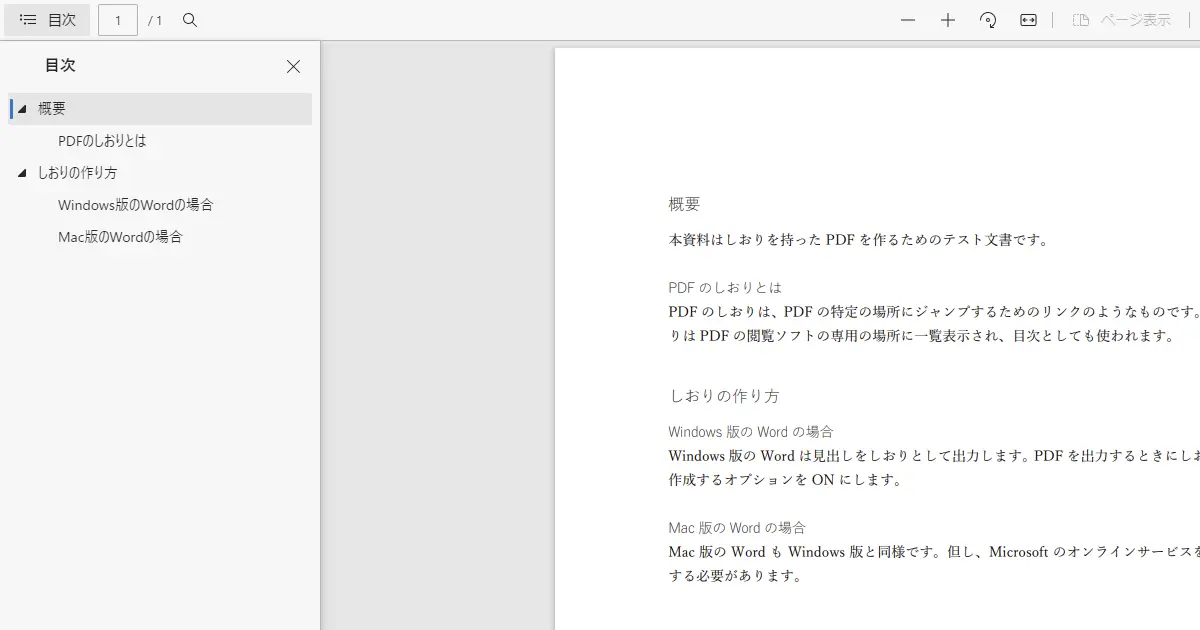
Create the PDF has bookmarks (TOC) with Microsoft Word
The recent version of Microsoft Word has a PDF exporter, making it easy to create the PDF. The PDF is very useful. Even if the user doesn't have the software which is used to make the documents can view or print them out. Create a PDF th... -
Wordでしおり(目次)を持ったPDFを作る方法
最近のバージョンのWordにはPDF出力機能が入っていて、簡単にPDFを作れます。資料を作成したアプリを持っていない人でも、PDFにして渡せば開いたり印刷することができるため非常に便利です。 PDFを出力するときに一工夫すると、Adobe Acrobat Readerのしお... -
Define common macros across Xcode projects
When you develop a module consisting of multiple libraries and programs such as SDK, you can define the common macros referenced by multiple projects. For example, when you develop the SDK for communicating with a specific device, suppos... -
Xcodeでプロジェクト間共通のマクロを定義する
SDKなどの複数のライブラリやプログラムで構成されるモジュールを開発しているときなど、複数のプロジェクト間で共通のマクロ定義を参照することがあります。 たとえば、ある特定の機器と通信するSDKを開発しているときに、対象となる機器によって定数を切... -
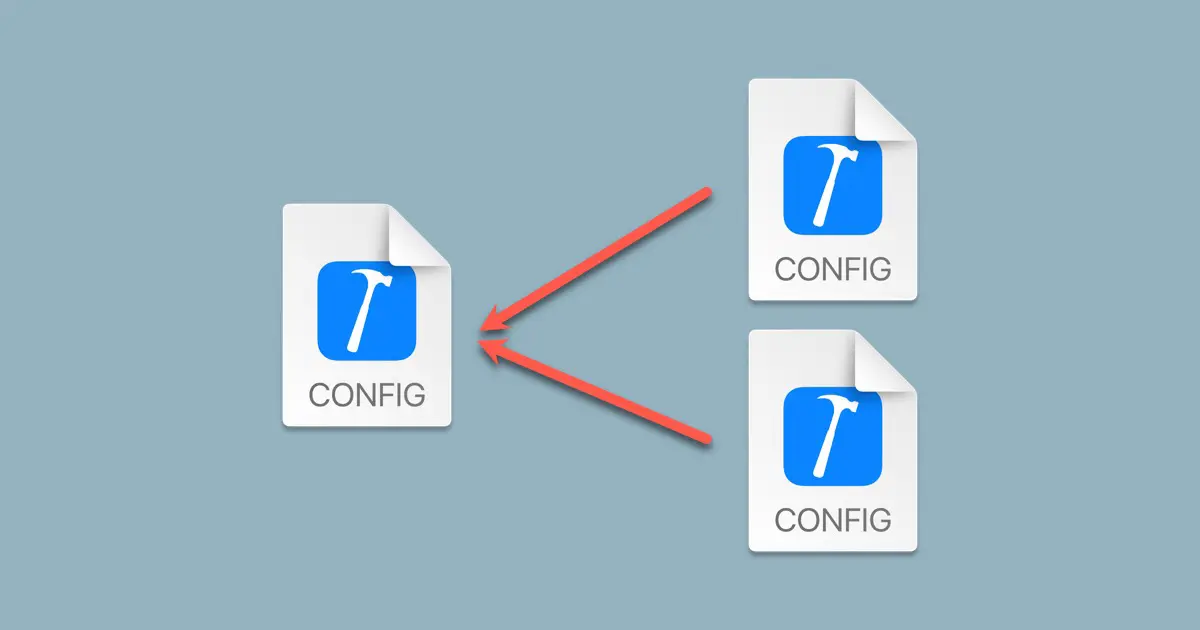
How To Create the Xcode Configuration Settings File
The Xcode project configuration is saved in the project file (*.xcodeproj). It is enough for normal-scale application development, but if you develop a middle or large-scale application, you may need more. Moreover, you would like to hav... -
Xcodeの設定ファイルの作成方法
Xcodeで設定するビルド設定はプロジェクトファイル(*.xcodeproj)に保存されます。通常のアプリ開発ではこれだけで十分なのですが、中規模以上の開発を行っているときや特殊なプログラムを作っているときなどは、もう少し柔軟に制御したいことがあります... -
Backup certificates and keys for Xcode
Certificates and keys generated by the Apple Developer Program are saved on your machine. This is because they are needed for development. Therefore, I back them up and restore them when I initialize my machines. This article explains ho... -
Xcodeの証明書などのバックアップ
iOSアプリなどのApple Platform向けの開発をしていると、Apple Developer Programで発行された電子証明書など、コードサイニングに必要な情報がマシンに保存されています。私の場合は、これらの証明書をバックアップしておいて、Macを初期化したときや別の... -
Create the window for SwiftUI with the AppKit
The Xcode 13.4.1 on macOS Monterery 12.4 can use only WindowGroup and DocumentGroup to implement the window generation in SwiftUI, so we can't create the single window application. You can't implement the all of the items in the menu bar... -
SwiftUIで使うウインドウをAppKitで作る
macOS Monterey 12.4 + Xcode 13.4.1時点では、ウインドウ生成に関する処理をSwiftUIで作ろうとすると、WindowGroupとDocumentGroupしか選択肢がなく、シングルウインドウアプリは作れません。また、メニューバーをすべてアプリ側で定義することもできませ... -
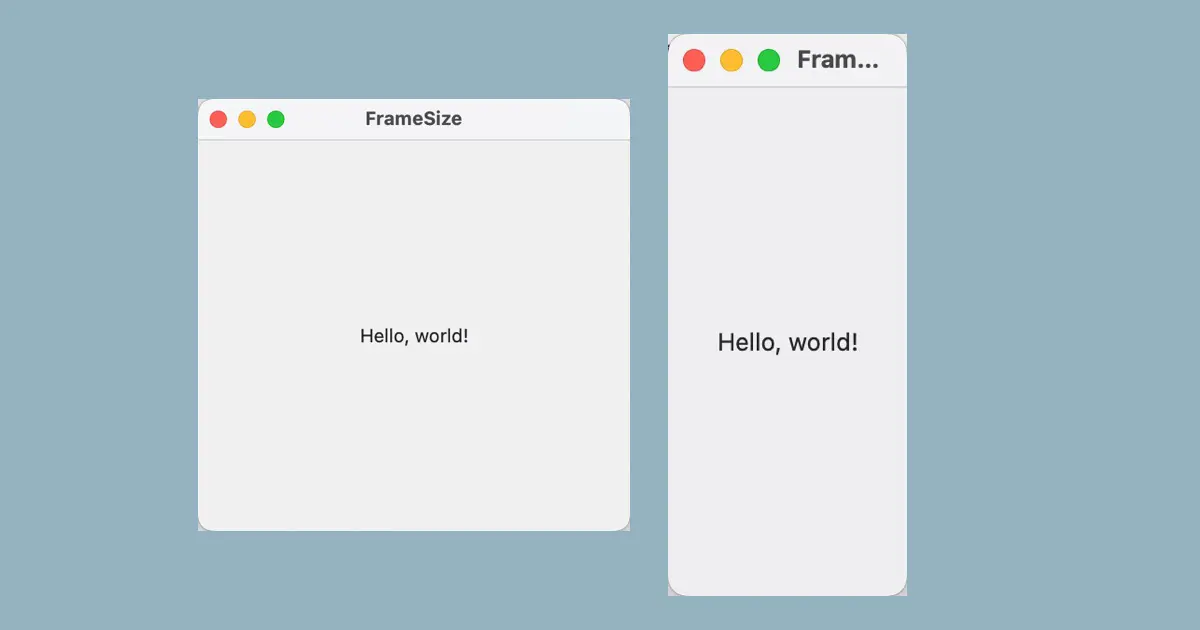
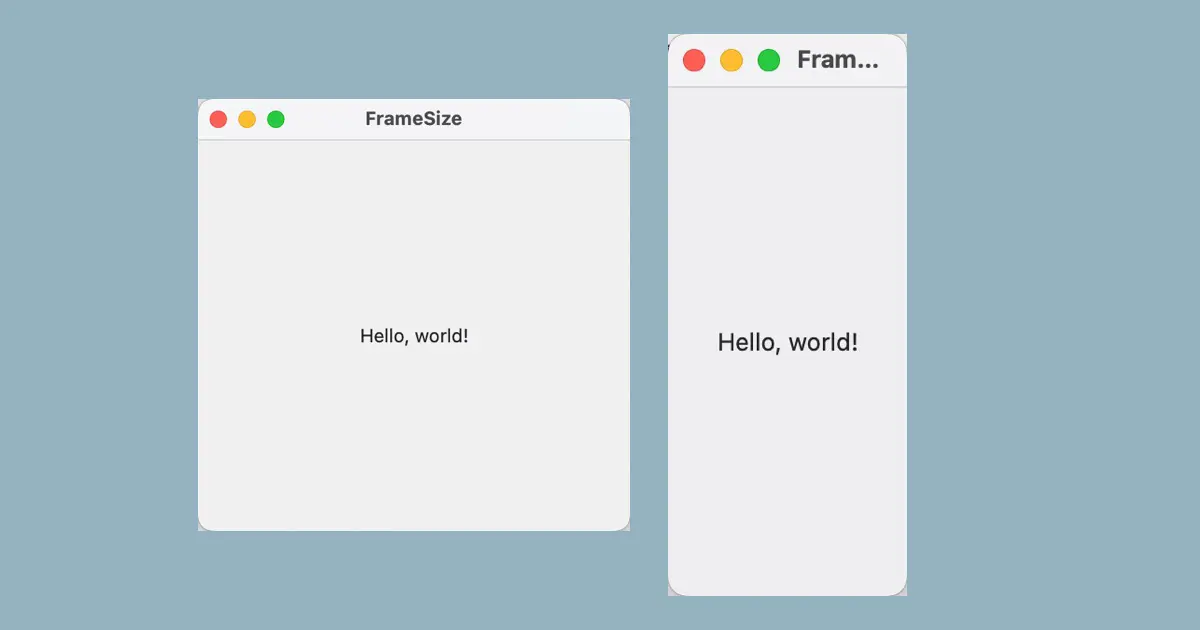
Set the window size in SwiftUI
This article explains how to set the window size, maximum and minimum sizes in a SwiftUI app. Defining a Window by WindowGroup When you define a window using the WindowGroup, your code would look something like this: import SwiftUI @main... -
SwiftUIでウインドウサイズを設定する方法
SwiftUIを用いてmacOSアプリを開発する際、ウインドウサイズの初期値、最大値、最小値の設定方法を本記事で解説します。 WindowGroupを使っているとき WindowGroupを使っているコードでウインドウを定義するコードが次のようになっているとします。 import... -
How to terminate the SwiftUI app when the window is closed
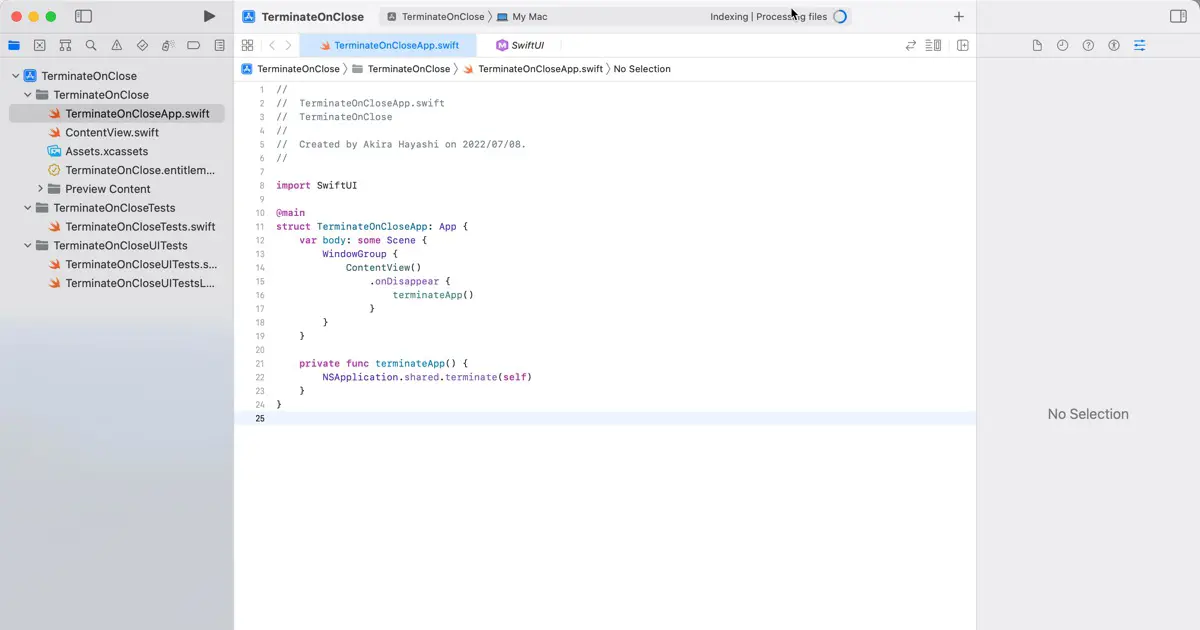
This article explains how to terminate the SwiftUI app when the window is closed. With the WindowGroup Suppose you specify the SwiftUI to the "Interface" of the project option when you create the project. In that case, the generated code... -
SwiftUIでウインドウを閉じたときにアプリを終了する方法
SwiftUIで開発されたmacOSアプリで、ウインドウが閉じられた時点でアプリを終了する方法を本記事では解説します。 WindowGroupを使っているとき プロジェクト作成時に、InterfaceにSwiftUIを指定すると、ウインドウを作成するコードは次のようになっていま... -
How to create tabs in SwiftUI
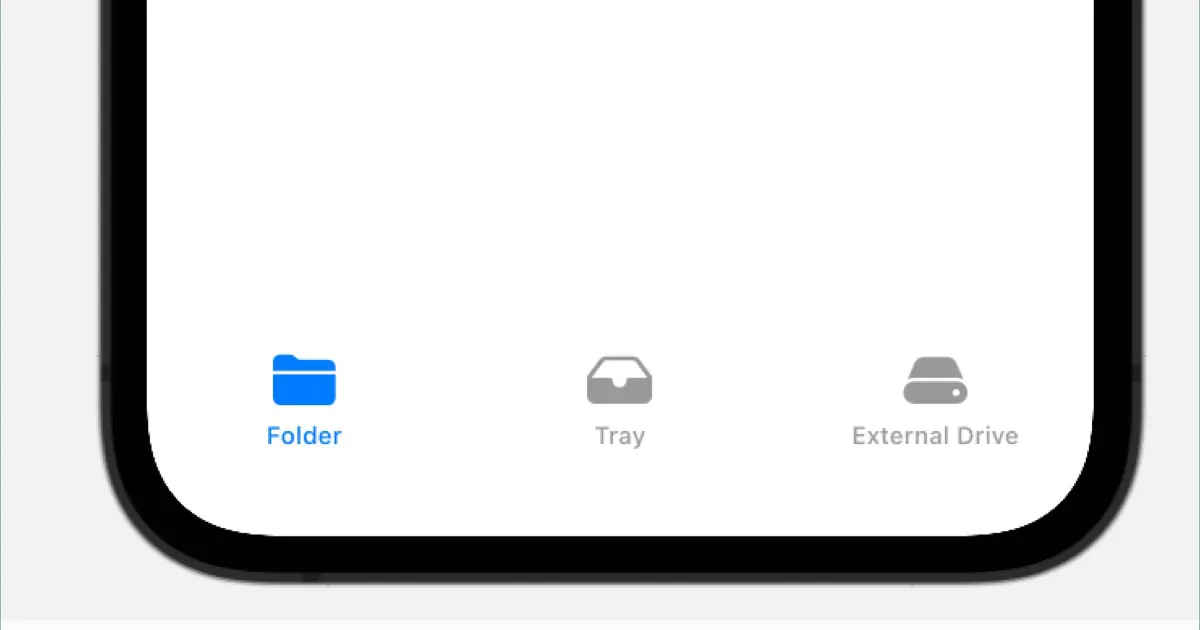
Use TabView to create tabs in SwiftUI. This article demonstrates how to create tabs in SwiftUI. Basic Structure The TabView is used in the following structure. struct ContentView: View { var body: some View { TabView { // --- START --- /... -
SwiftUIでのタブの作り方
SwiftUIでタブを作るにはTabViewを使用します。本記事ではSwiftUIでのタブの作り方を解説します。 基本的な構造 TabViewは次のような構造で使用します。 struct ContentView: View { var body: some View { TabView { // --- ここから --- // タブ内に表示... -
[SwiftUI] Layout adjustment on the Conversion tab of the Preferences window
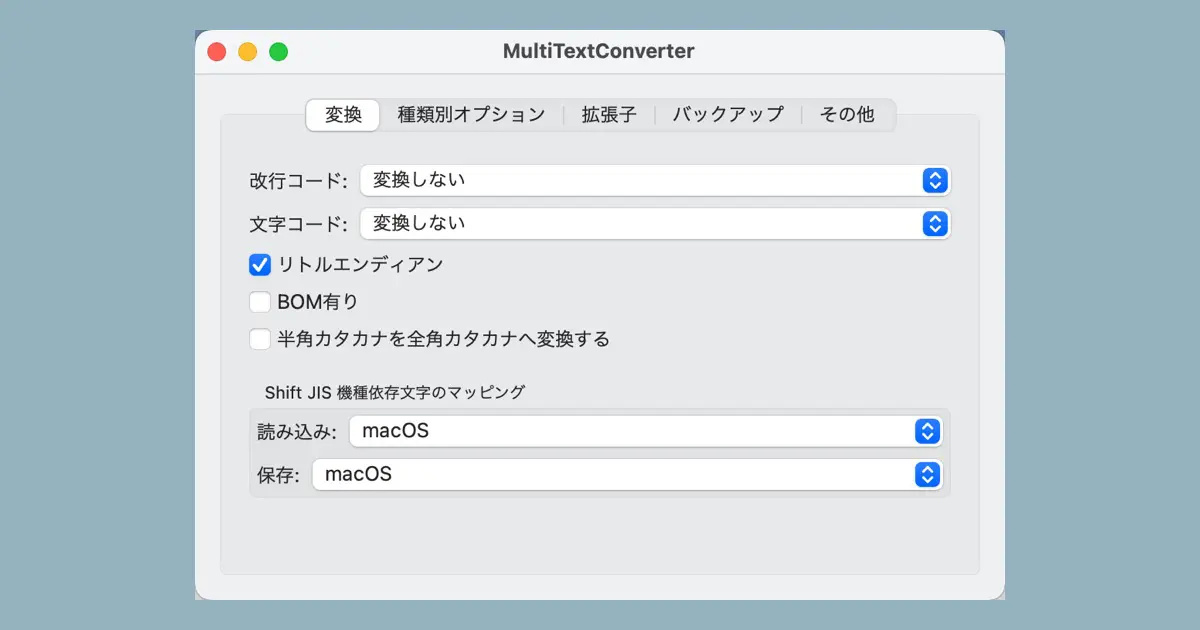
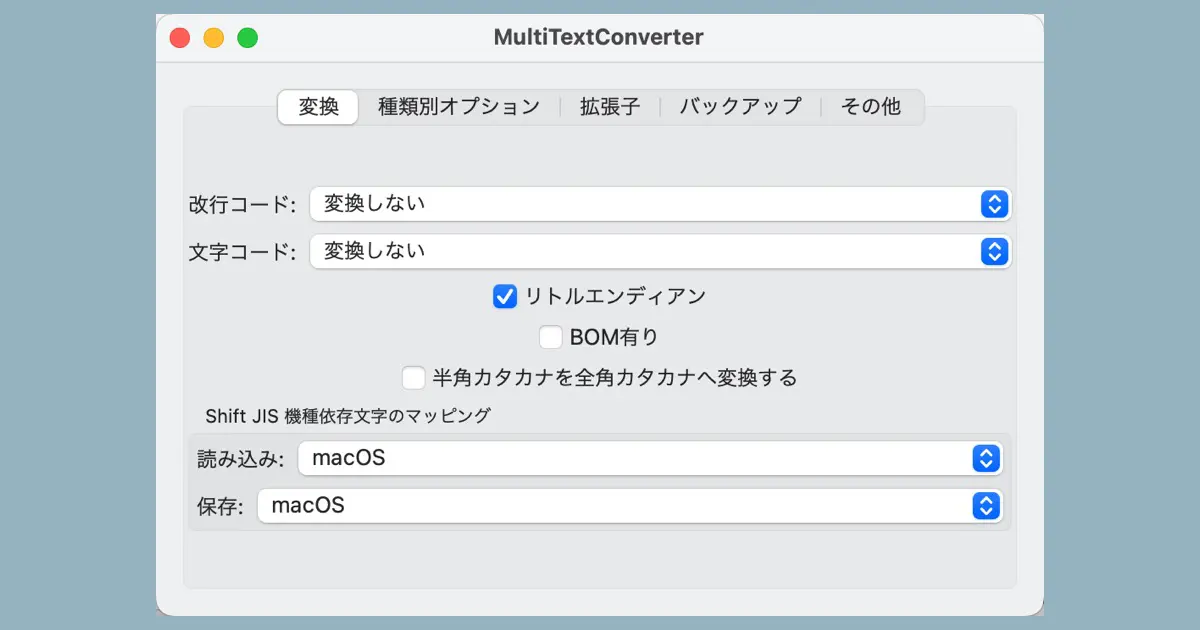
We are attempting to re-implement MultiTextConverter in Swift. This time, continuing with the creation of the look and feel of the preferences window, we are adjusting the layout of the conversion tab. For background information, please ... -
【SwiftUI】環境設定ウインドウの変換タブのレイアウト調整
MultiTextConverterをSwiftで再実装してみるという試みを行っています。今回は環境設定ウインドウのGUI作成の続きで、変換タブのレイアウト調整です。 経緯はこちらの記事をご覧ください。 調整内容の確認 前回の記事で環境設定ウインドウの変換タブを作成... -
[SwiftUI] Create a tab in the Preferences window
I am attempting to reimplement MultiTextConverter in Swift. This time, I am creating the look and feel of the preferences window. Please see this article for the background. The window of the MultiTextConverter 3.6 In the MultiTextConver... -
【SwiftUI】環境設定ウインドウのタブを作る
MultiTextConverterをSwiftで再実装してみるという試みを行っています。今回は環境設定ウインドウの見た目の作成です。 経緯はこちらの記事をご覧ください。 MultiTextConverter 3.6のウインドウ MultiTextConverter 3.6では、MultiTextConverterメニュー...