Akira Hayashi (林 晃)– Author –

-

Gitのpushで発生するhttp.postBufferのエラーへの対応方法
Gitのリモートリポジトリにpushするときに次のようなエラーが発生して失敗してしまうことがあります。 error: unable to rewind rpc post data - try increasing http.postBuffer error: RPC failed; curl 56 LibreSSL SSL_read: Connection reset by peer... -
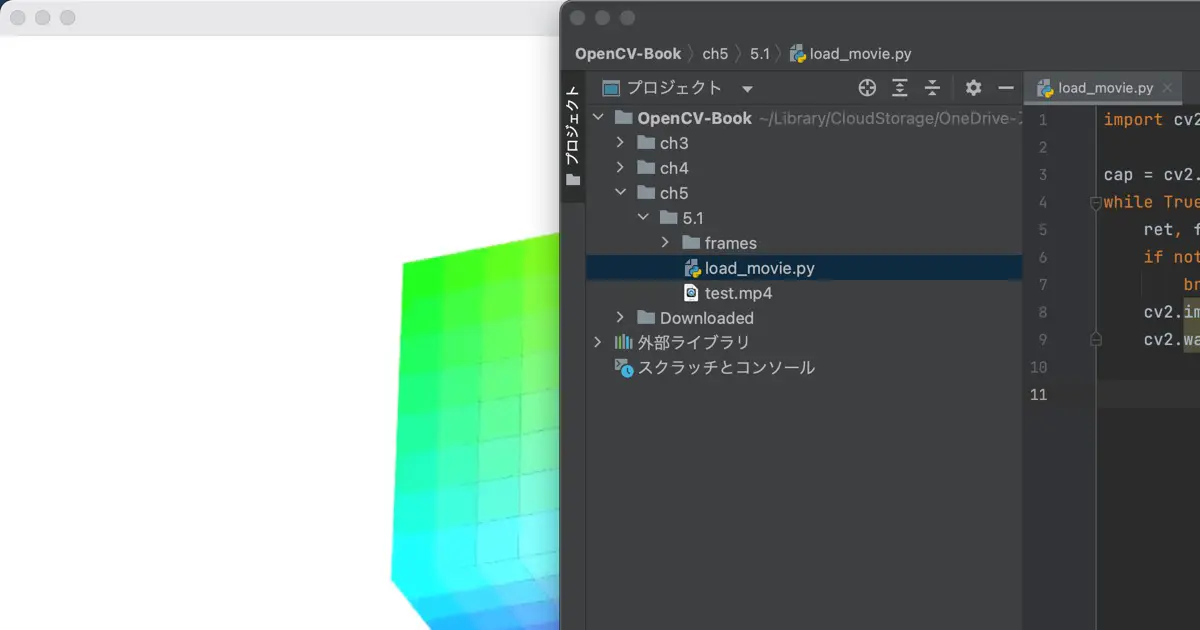
The window is on the back when running from Pycharm
No window appears when I attempt to display one using OpenCV's imshow() function in Python. When running from a Terminal app, there is no problem. However, it still does not appear when executed from the terminal tab within Pycharm. This... -
Pycharmから実行したときのウインドウは背面にある
PythonでOpenCVのimshow()関数でウインドウを表示したときに、何も表示されないという現象が起きました。 ターミナルから実行した場合は問題ない。しかし、Pycharm内のターミナルタブから実行したときはやはり表示されない。 時間で終了するスクリプトのた... -
Set up a development environment for OpenCV and Python
Python and OpenCV are used to develop services and applications using Computer Vision, Machine Learning (ML), and Artificial Intelligence (AI). It is also used to learn about these technologies. Once the development environment is set up... -
PythonでOpenCVを使った開発を行うための開発環境のセットアップについて
Computer VisionやML (Machine Learning: 機械学習) 、AI (Artifact Intelligence: 人工知能) を使ったサービスやアプリを開発するときや、これらの技術について学習するときなどに、PythonとOpenCVを利用します。 PythonとOpenCVは開発環境さえ整えてしま... -
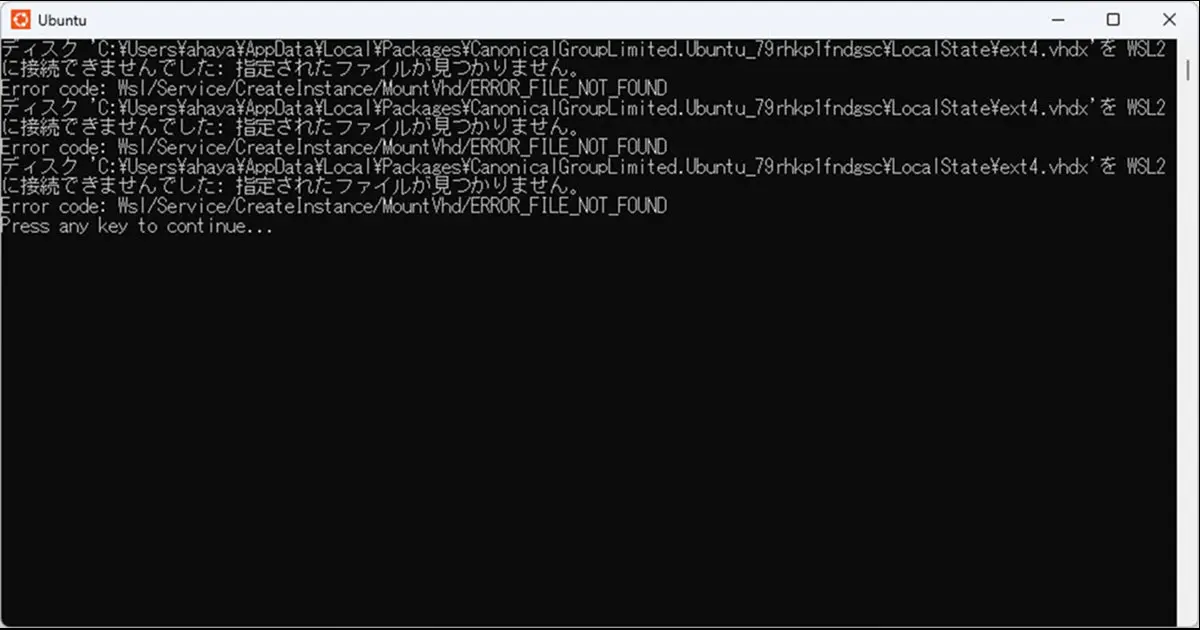
再インストール後に起動しなくなったWSLのUbuntuを修復する
WSL (Windows Subsystem for Linux) のUbuntuを再インストールすると、次のようなエラーが表示されて起動しなくなってしまうことがあります。 ディスク 'C:\Users\ahaya\AppData\Local\Packages\CanonicalGroupLimited.Ubuntu_79rhkp1fndgsc\LocalStat... -
テックブログの英語版を作りました
テックブログですが、本サイトに再統合されました。 テックブログの英語版を作りました。 作り始めたのが2022年9月26日でしたので、完成までに2か月近くかかってしまいました。 英語版の作成に着手したときのテックブログの記事数は72件でした。当初は何も... -
Check the built environment from the “Info.plist” file
Once an application or library has been released, there may be times when you need to reproduce the original build environment to fix bugs. Usually, using the latest version of the environment at the time of the correction is fine. Howev... -
Info.plistからビルド環境を調べる
アプリやライブラリをリリース後、不具合修正が必要になったときに、当時のビルド環境が必要になることがあります。通常は修正時点での最新版の環境を使用すれば問題ないでしょう。しかし、例えば次のような理由で当時のビルド環境が必要なことがあります... -
Cookie同意のバナーについて
色々なWebサイトを見ていると、Cookieに関する同意を求めるサイトが多くなったと思いませんか?Google Analyticsではトラフィックを分析するためにブラウザから分析に必要な情報を取得します。また、Cookieに間接的にでも個人を識別できる情報が含まれる場... -
Part 10 Finishing the Color Picker | Create the Color Picker with SwiftUI
This article is part of a series focused on creating color picker in SwiftUI. Previously, we completed the color picker itself. This article concludes the series by demonstrating the color picker in a sample application. What we make Dis... -
第10回 カラーピッカーの仕上げ | SwiftUIでカラーピッカーを作る
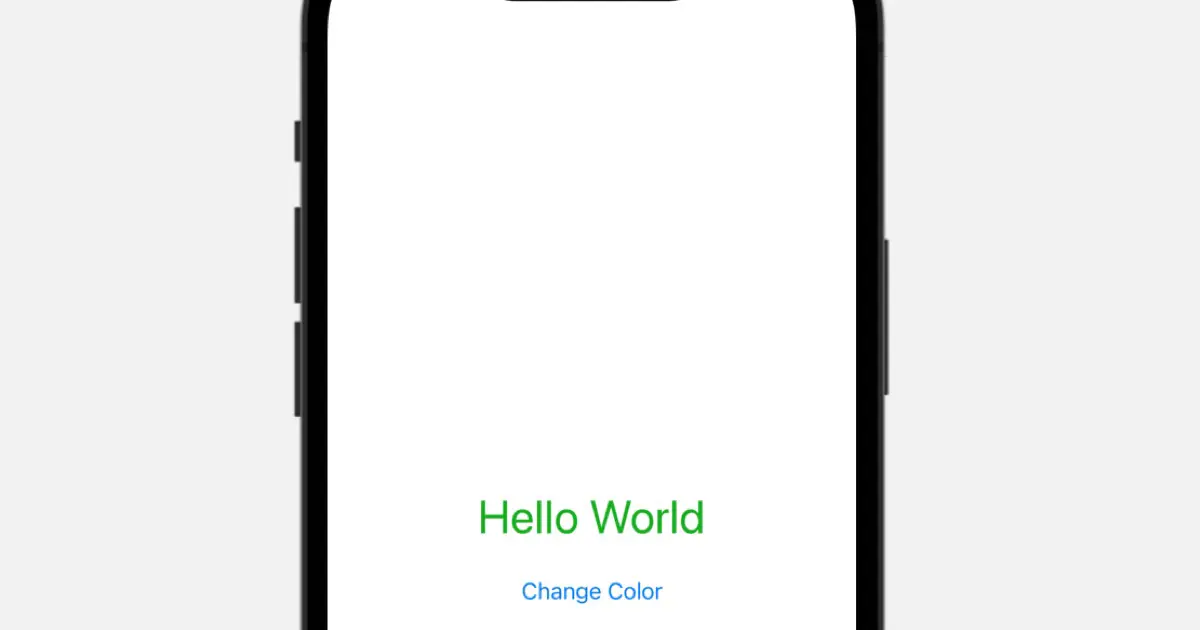
SwiftUIでカラーピッカーを作る連載記事です。前回まででカラーピッカー自体は完成です。今回は作ったカラーピッカーを実際に使って見るサンプルアプリを作って仕上げとします。 作る内容 "Hello World"のラベルとボタンを表示し、ボタンがタップされたら... -
Part 9 Dynamically Changing Gradients | Create the Color Picker with SwiftUI
This is a series of articles on creating a color picker in SwiftUI. In the previous articles, the model was partitioned by channel, with gradient and current channel value information being distinct entities, thereby complicating the dyn... -
第9回 グラデーションの動的変更 | SwiftUIでカラーピッカーを作る
SwiftUIでカラーピッカーを作る連載記事です。前回までの実装ではモデルがチャネル毎、更にグラデーションの情報とチャネルの現在値の情報が分かれていて、動的にグラデーションを変化させる処理の実装を困難にしています。今回はこれらを統合して、カラー... -
Part 8 Creating a preview of the selected color | Create the Color Picker with SwiftUI
This is a series of articles on creating a color picker in SwiftUI. In this article, we'll implement a color preview, drawing upon the values selected using the RGB channel sliders we built in the previous articles. Moreover, we need to ... -
第8回 選択色のプレビューを作る | SwiftUIでカラーピッカーを作る
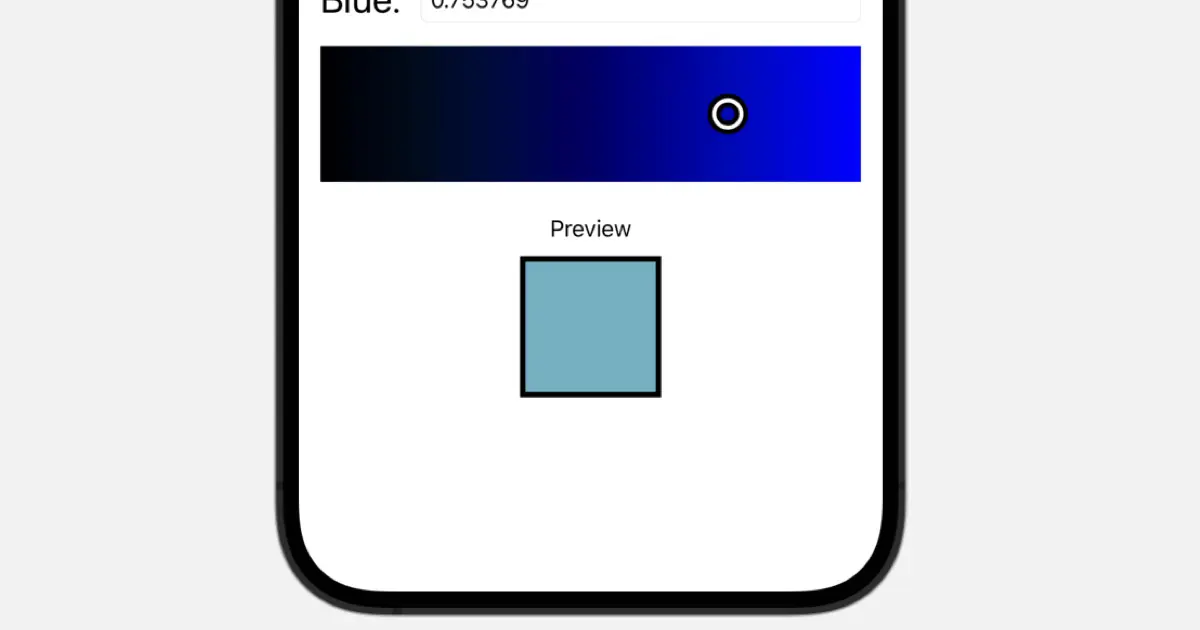
SwiftUIでカラーピッカーを作る連載記事です。今回は前回までに作成したRGB各チャネルのスライダーで選択した値を元に色をプレビュー表示する処理を実装します。 また、現在値のフォーマットが小数点以下1桁になっているため、数値指定する場合の精度が低... -
Part 7 Making it possible to move knobs by dragging (panning) | Create the Color Picker with SwiftUI
This is a series of articles on creating a color picker in SwiftUI. In this article, we will implement a process that allows knobs to be moved with a drag (pan) gesture. Use DragGesture in SwiftUI In UIKit, the gesture of tracing a finge... -
第7回 ノブをドラッグ(パン)で移動できるようにする | SwiftUIでカラーピッカーを作る
SwiftUIでカラーピッカーを作るという連載です。今回はノブをドラッグ(パン)ジェスチャーで移動できるようにする処理を実装します。 SwiftUIではDragGestureを使う UIKitではiOSやiPadOSで、スクリーンを指でなぞるジェスチャーのことを「パン」と呼びま... -
Part 6 Organizing Code | Create the Color Picker with SwiftUI
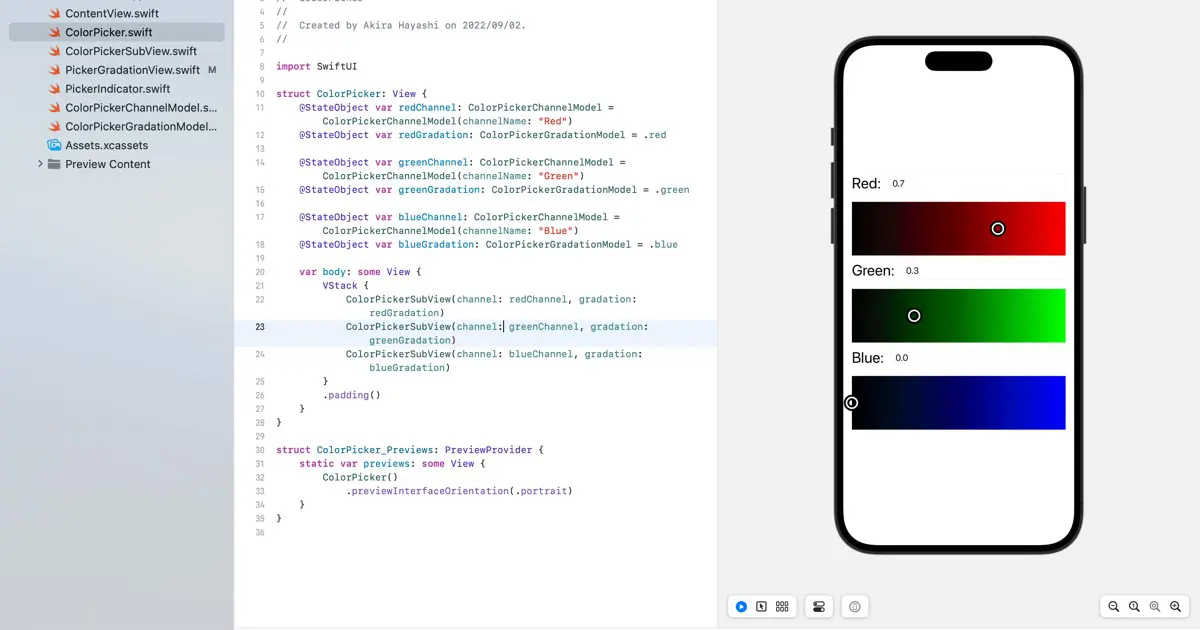
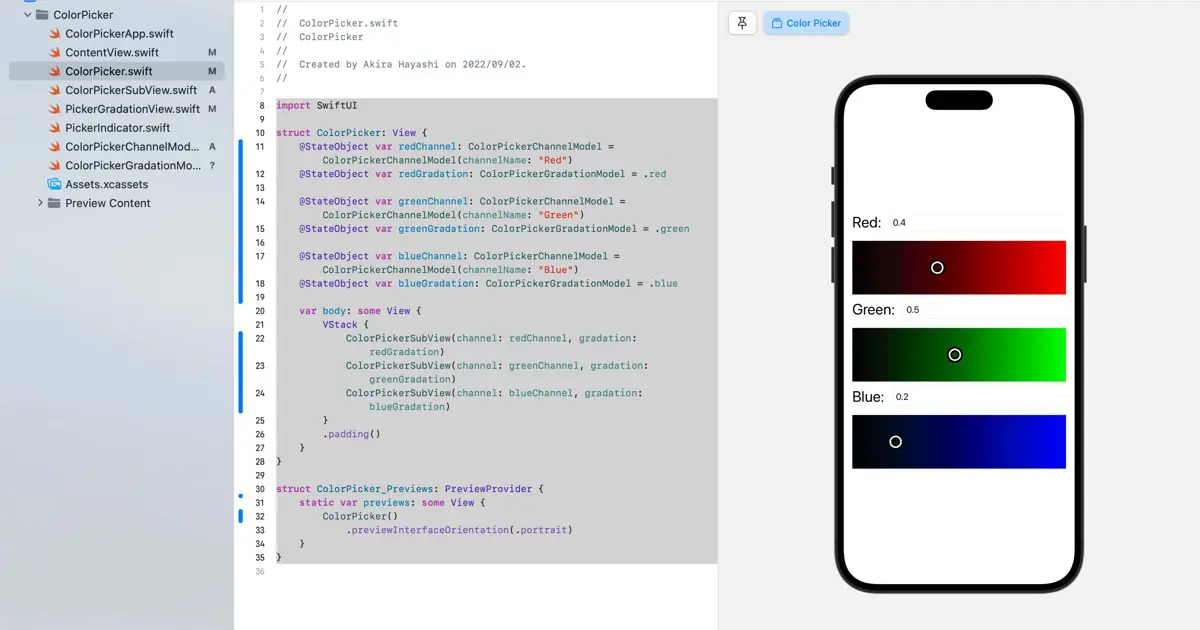
This series of articles resolves around creating a color picker in SwiftUI. Initially, I envisioned the code to be on a smaller scale and, thus, added code with minimal organization. However, this approach led to a convoluted codebase. S... -
第6回 コードの整理 | SwiftUIでカラーピッカーを作る
SwiftUIでカラーピッカーを作るという連載記事です。もっと小規模なコードになると思っていたので、あまり整理しないでコードを付け足して来てしまったため、コードがごちゃごちゃになってしまいました。今回はコードの整理をしたいと思います。 1チャネル...