I have previously encountered an unexplained authentication error in Docker Compose, which I was able to resolve, so I am writing about it.
Condition
I containerized the server with which the unit test communicates using Docker. I retrieved a set from Git, built the image using docker-compose as usual, and ran the following command to start the container.
$ docker-compose up -d --buildHowever, this time, an unusual log was output, and the image build process was aborted. The environment had been running without error the whole time, but something must have happened. I entered the following to run the container without building the image, and the container ran without problems.
$ docker-compose up -dImage build fails
The container ran and functioned properly, but when I edited the Dockerfile intending to rebuild the image, I continually received the following error, preventing the build.
Creating network "unittestmockserver_default" with the default driver
Building nginx
Traceback (most recent call last):
  File "docker-compose", line 6, in
  File "compose/cli/main.py", line 72, in main
  File "compose/cli/main.py", line 128, in perform_command
  File "compose/cli/main.py", line 1077, in up
  File "compose/cli/main.py", line 1073, in up
  File "compose/project.py", line 548, in up
  File "compose/service.py", line 351, in ensure_image_exists
  File "compose/service.py", line 1106, in build
  File "site-packages/docker/api/build.py", line 261, in build
  File "site-packages/docker/api/build.py", line 308, in _set_auth_headers
  File "site-packages/docker/auth.py", line 311, in get_all_credentials
  File "site-packages/docker/auth.py", line 262, in _resolve_authconfig_credstore
  File "site-packages/docker/auth.py", line 287, in _get_store_instance
  File "site-packages/docker/credentials/store.py", line 25, in __init__
docker.credentials.errors.InitializationError: docker-credential-gcloud not installed or not available in PATH
[7430] Failed to execute script docker-compose
Troubleshooting
When I run it on another machine, there is no problem, so the cause is somewhere on this machine where the error occurs. So, we tried the following sequence.
- Delete the
Dockerimage. - Reinstall the
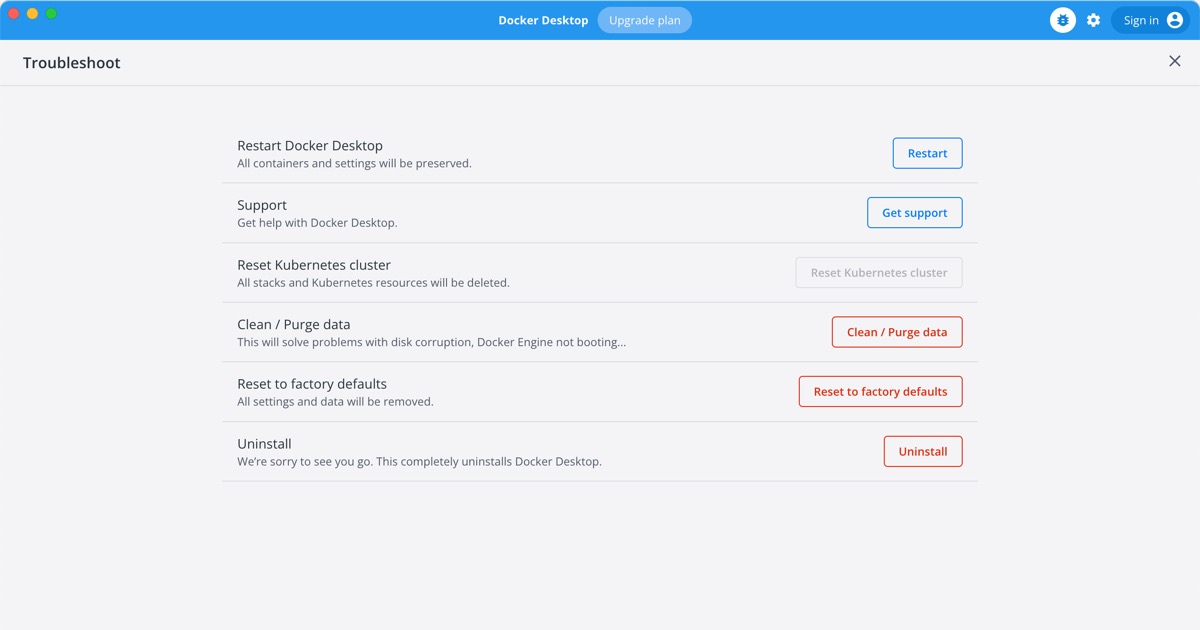
Docker Desktop. - Reset settings to default.
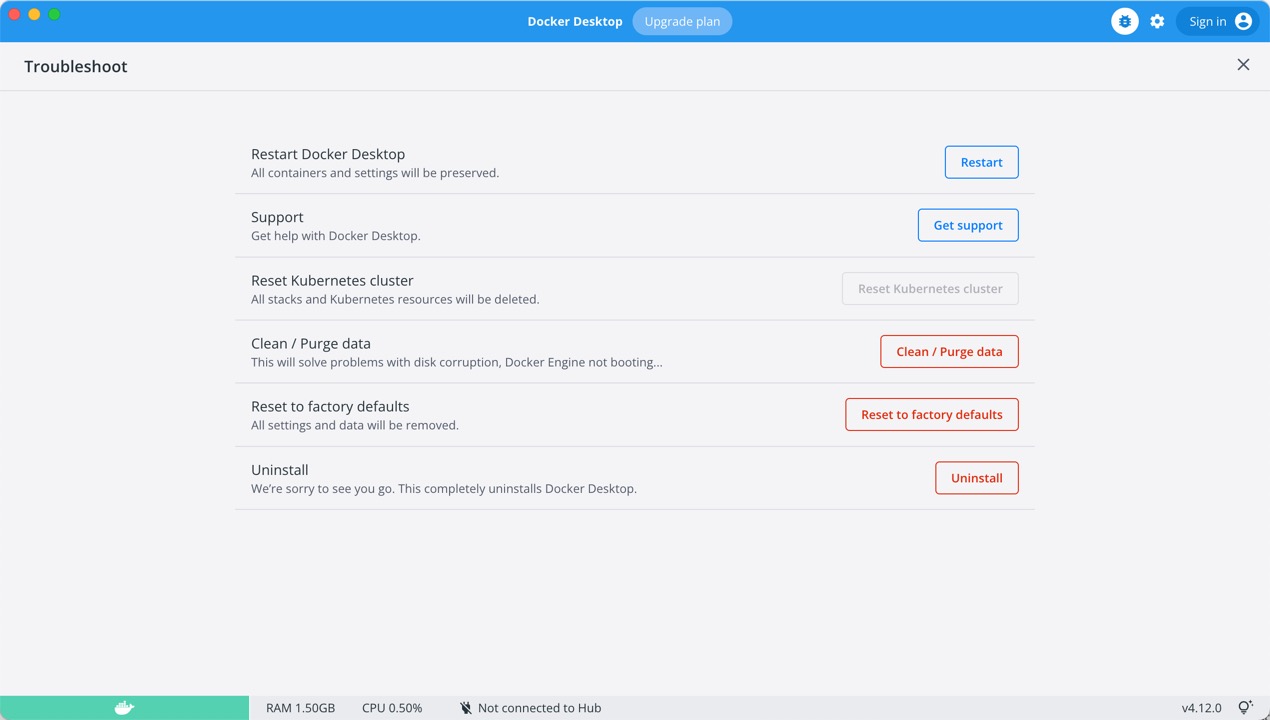
As a result, the last “Reset settings to default” fixed it.
How to reset settings to default settings
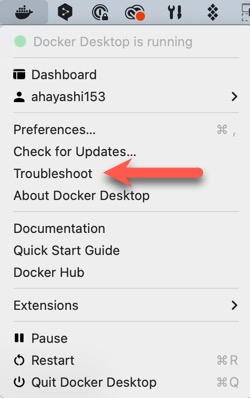
Do following.