This article explains how to terminate the SwiftUI app when the window is closed.
目次
With the WindowGroup
Suppose you specify the SwiftUI to the “Interface” of the project option when you create the project. In that case, the generated code will be following.
import SwiftUI

@main
struct TerminateOnCloseApp: App {
    var body: some Scene {
        WindowGroup {
            ContentView()
        }
    }
}
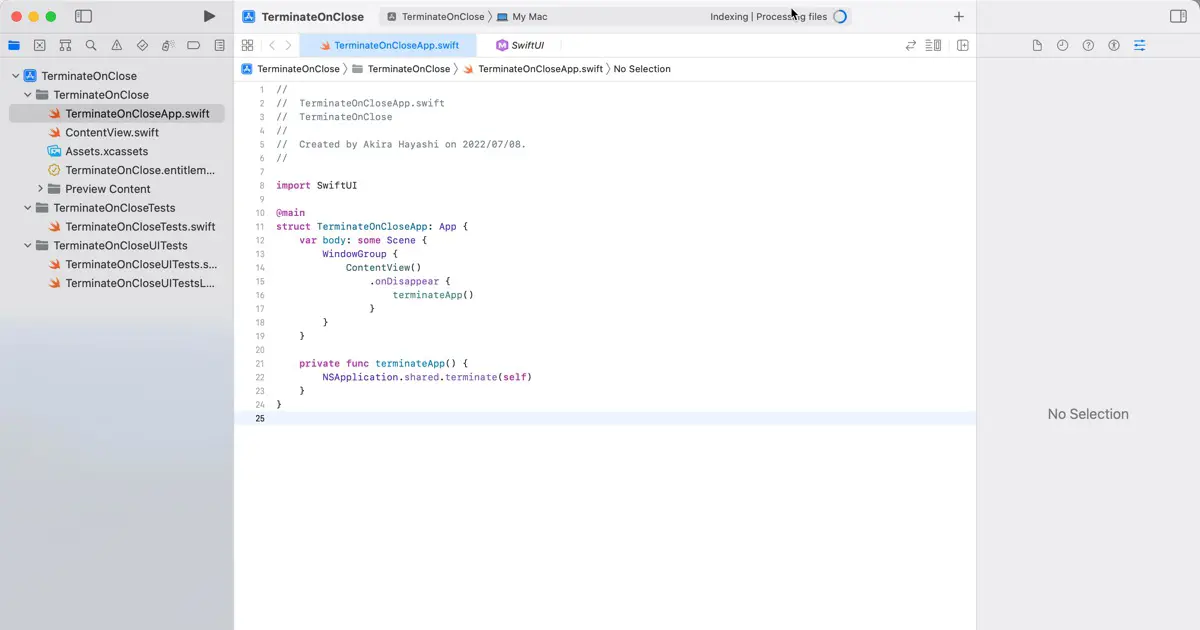
The root view of the window created by this code is ContentView. The time when a window is closed, it is ContentView is hidden, so you can use the .onDisappear modifier to terminate the application when the window is closed with the following code.
import SwiftUI

@main
struct TerminateOnCloseApp: App {
    var body: some Scene {
        WindowGroup {
            ContentView()
                .onDisappear {
                    terminateApp()
                }
        }
    }

    private func terminateApp() {
        NSApplication.shared.terminate(self)
    }
}
How to terminate the app
Use NSApplication.terminate() method to terminate the application. To do so, get the shared instance with the shared property, like the sample code, and you can terminate the app with the terminate() method.